Saved link shows only a web address, no title or image? Why it happens on iPhone and how to fix it
Published · 4 min read
A saved link that shows only “example.com”, a blank grey tile or a long web address is almost always a page that did not hand over its title and image when the app asked. It is rarely your iPhone and rarely something you did.
This guide explains the usual causes, how to try again, and how to keep a link findable when the page will never supply a title. Steps in Safari can differ slightly between iOS versions, so use the closest label if yours differs.
Where do a link’s title and preview image come from?
Almost every link manager, bookmark tool and chat app does the same thing: it saves the web address, then downloads the page and reads a few tags in its header. The page title and the preview image (usually an “Open Graph” image, the same one that appears when you paste a link into a chat) are written by the website, not by your phone.
If the site does not publish those tags, hides them behind a login, or refuses automated visitors, the app has nothing to show except the address.
Why does a saved link show no title or image?
- The page needs a login. Pages behind a sign-in or a consent wall often return a generic page, or nothing, to a program that is not signed in.
- The site blocks automated visits. Some sites answer with a “Just a moment…” or “Access denied” page. That title is useless, so a good app ignores it and falls back to the domain.
- You saved it with no connection or a weak one. The page could not be downloaded, so the link keeps only its address until it is fetched again.
- The page loads its content with JavaScript. A simple download sees an empty shell with no title or image.
- The site simply has no preview image. Plenty of pages, especially small sites, documents and forum threads, never set one.
- The page is slow or has been moved or deleted. A timeout or an error page gives the app nothing to read.
These are the usual causes; which one hit a particular link is something only the site can tell you.
What can I do in Safari when a bookmark has no useful name?
Open the Bookmarks button (the open book), touch and hold the bookmark and choose Edit. You can type a name of your own, for example “Visa rules – check before booking”. Safari’s Reading List shows the page’s own title and preview, and I found no option to edit either.
How do I fix it in Linkeeper?
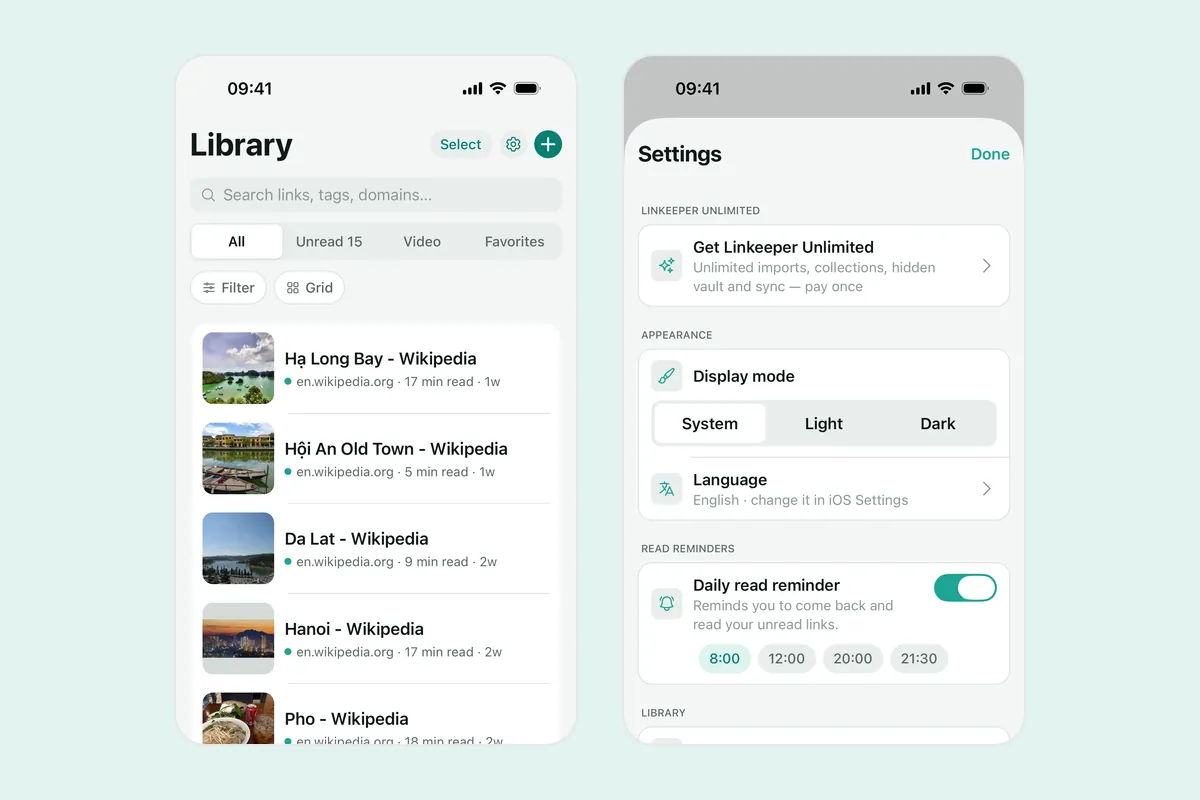
Linkeeper is an iPhone and iPad app that saves links from any app in one tap and keeps them in one organized, searchable library to read later. When you share a link to it, the address is saved first and the title, description, preview image and page text are fetched afterwards. If that fetch fails, the link keeps its address, shows the domain or a letter tile instead of an image, and is marked so you can try again.
- 1Open the link from your library.
- 2Under the title, look for “Couldn’t fetch page info.” and tap Retry.
- 3Wait a few seconds with a working connection. If the page now answers, the title and image fill in.
If you saved links while you were offline, Retry once you are back online is usually all it takes. If several links look wrong, open Settings, scroll to Advanced and tap “Process metadata now” when links are still waiting, or “Reload metadata” to fetch the title and image again for every link. Reload metadata clears the stored title, description and image of every link before fetching, so use it when old links show wrong info, not as a routine tidy-up.
What if the page will never give a title?
Some pages, a login-only page for example, will fail again however many times you retry. I found no way in Linkeeper to type a title over a link’s own, so do the next best thing: write why you saved it in the Note box. Notes are searched along with titles, so you can still find the link later. The steps are in how to add a note to a saved link on iPhone.
For finding links by a word you remember, see how to find a saved link on iPhone. If you want an article to stay readable even when the site changes, save it to read offline.
Frequently asked questions
- Why does my saved link only show the website name?
- The app could not read a title from the page. Common causes are a login wall, a site that blocks automated visits, saving with no connection, or a page that builds its content with JavaScript. The app then falls back to the domain.
- How do I make a saved link show its preview image?
- Try fetching the page again with a working connection. In Linkeeper, open the link and tap Retry next to “Couldn’t fetch page info.” If the site publishes no preview image at all, no app can show one.
- Can I rename a Safari bookmark on iPhone?
- Yes. Open Bookmarks, touch and hold the bookmark and choose Edit, then change the name.
- Will Reload metadata delete my notes or tags?
- No. It clears and re-fetches each link’s title, description and image. Your notes and tags are not part of that.