
How to see and copy the full URL in Safari on iPhone
Published · 4 min read
Safari on iPhone shows just the site name, such as example.com, in the address bar. That keeps the screen tidy, but it is a problem when you need the exact address: to check where a link really goes, to paste it somewhere, or to read it out to someone.
This guide shows how to see the full web address (the URL), how to copy it, and a few ways to keep it with a title so it makes sense later. Menu names are from recent iOS versions and can differ slightly on yours.
Why does Safari on iPhone show only the site name?
When you are just reading a page, Safari shows only the domain in the address bar. The rest of the address is still there; it is simply hidden until you tap the bar. On iPhone there is no Safari setting that makes it always show the whole address.
How do I see the full URL in Safari on iPhone?
- 1Open the page in Safari.
- 2Tap the address bar once. The full address appears in the text field and is usually selected.
- 3To read a long address, touch and hold in the field and drag the cursor along it, or swipe the text sideways.
- 4Tap outside the field, or tap Cancel, to go back without changing anything.
If the address is very long, most of it is usually a tail starting with a question mark, for example utm_source=… or fbclid=…. That part is tracking information, not the page itself. See how to remove tracking parameters from a link on iPhone.
How do I copy the full URL in Safari?
There are two quick ways, and both copy the whole address even though you only see the site name:
- Tap the address bar, then tap Copy in the small menu that appears over the selected address. Depending on the iOS version you may need to touch and hold the field to bring that menu up.
- Tap the Share button, then tap Copy in the share sheet. The page's address is placed on the clipboard.
Then switch to Messages, Notes, an email or any other app, touch and hold in a text field and tap Paste. iOS may ask whether you allow the app to paste; that is normal and explained in how to stop the “Allow Paste” pop-up.
Why does the pasted link look different from the page I was on?
- Search results: if you copy while on a search results page, you copy the address of the results, not of the site you were about to open. Open the site first, then copy.
- Redirects: some pages forward you to a different address after they load. Safari copies the address of the page you are on now.
- Pages that change as you scroll: some sites update the address while you move through them, so copy after you reach the part you want to share.
- Chrome and other browsers: they also hide most of the address until you tap the bar, and they have their own Share and Copy buttons.
How do I copy a link together with its title?
A bare address says nothing about the page. When you paste into a chat or a note, it helps to add the title next to it. The simplest way is to paste the address and type a few words before it.
Linkeeper can do this for links you have saved. Linkeeper is an iPhone and iPad app that saves links from any app in one tap and keeps them in one organized, searchable library to read later. Touch and hold a saved link in the Library to open its menu, then:
- Copy link puts only the web address on the clipboard.
- Copy as… lets you choose Title and link (the title on one line, the address on the next), Markdown link (for notes and documents that use Markdown; see how to copy a link as a Markdown link), or, when the link has a note, Link with my note.
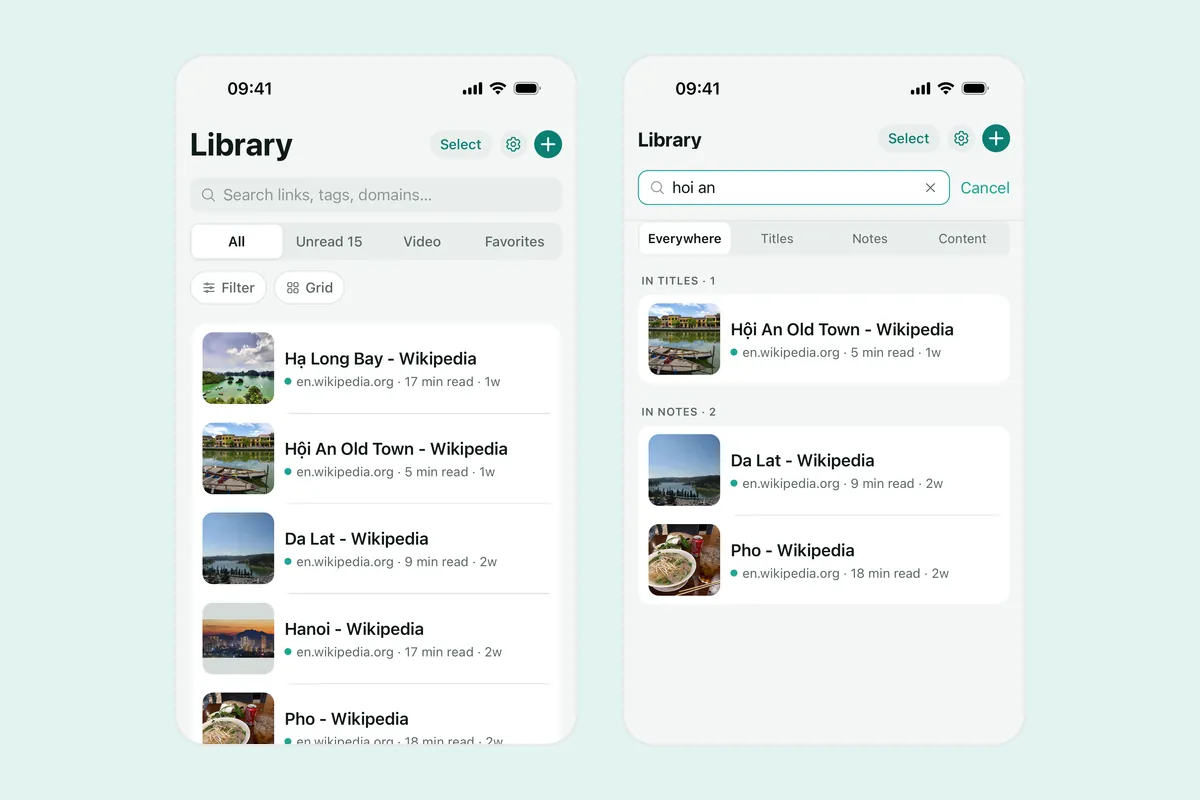
To save a link in the first place, use the Share button in Safari and pick Linkeeper; see how to add an app to the iPhone share sheet if it is not in the list. If you only want to move one link to your own other device, how to send a link to yourself on iPhone covers that.
Frequently asked questions
- How do I see the full URL in Safari on iPhone?
- Tap the address bar once. The full address appears in the text field. Safari on iPhone has no setting to always show it; the “Show full website address” option is Mac-only.
- How do I copy a link from Safari on iPhone?
- Tap the address bar and tap Copy, or tap the Share button and tap Copy. Either one copies the whole address, even though only the site name was visible.
- Why is the URL I copied so long?
- Most of a very long address is often tracking information after a question mark, such as utm_source or fbclid. The page itself works without it.
- Can Linkeeper copy a saved link with its title?
- Yes. Touch and hold a link in the Library, tap Copy as…, and choose Title and link or Markdown link. Copy link copies only the address.