
How to save recipes from TikTok and Instagram on iPhone
Published · 7 min read
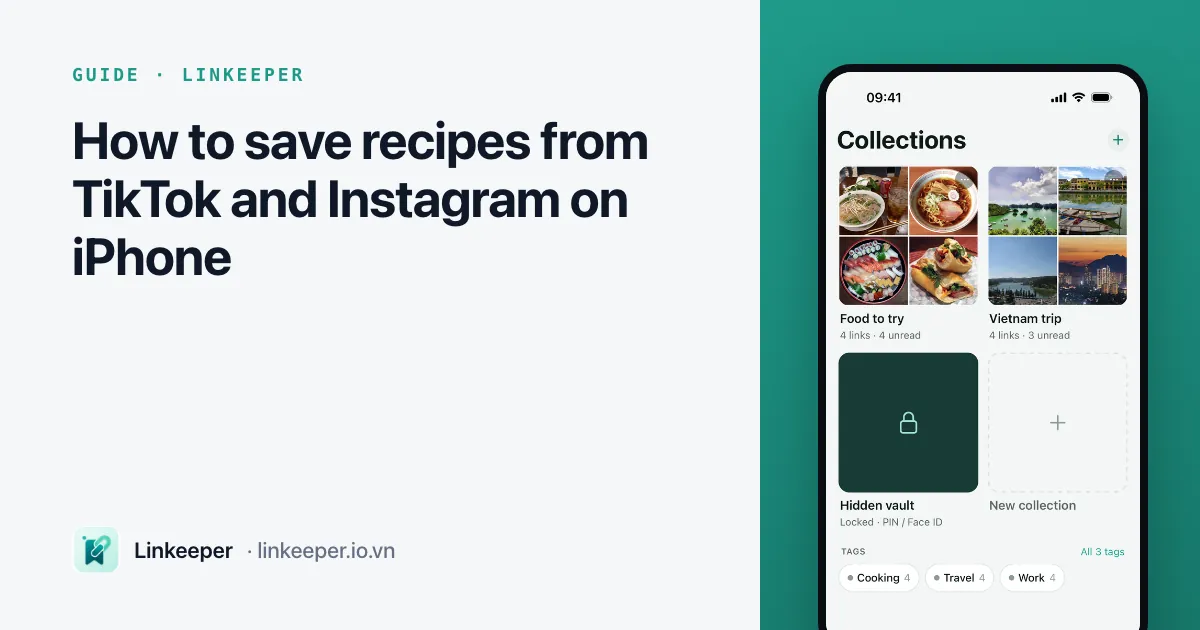
To save recipes from TikTok, Instagram, Facebook and cooking websites on iPhone, share each recipe's link into one list, tag it by dish or main ingredient, and type the key ingredients into a note the day you save it. A link app such as Linkeeper does this straight from the share sheet without leaving TikTok, and lets you search every recipe offline; the built-in alternative is each app's own Saved collections plus one running note in Apple Notes.
Recipe videos are the easiest thing in the world to save and the hardest to find again on the evening you actually want to cook. This guide shows how to save them with the apps already on your iPhone, how to keep them in one place, and how to read a recipe in the kitchen without scrolling through a video with floury hands.
Why do saved recipes get lost?
You tap the bookmark on a braised pork video in TikTok, save a banana bread Reel on Instagram and keep a soup post on Facebook. A month later you want the soup, and you can't remember which app it was in. The usual reasons:
- Every app keeps its own Saved list, so recipes are split across TikTok, Instagram, Facebook and Safari.
- Saved lists are sorted by the date you saved, not by dish, so finding “that chicken one” means scrolling through months of thumbnails.
- The ingredients are often spoken in the video, written in a comment or shown for two seconds on screen — none of which you can search.
- Posts get deleted or made private, and a saved post disappears with them.
How do I save a recipe with the apps already on my iPhone?
Each app has a save button. They are fine for one app, and worth knowing even if you later keep everything in one list:
- 1TikTok: tap the bookmark icon on the right of the video. It goes to Favorites on your profile, where you can sort videos into collections such as “Dinner” or “Desserts”. Details in where TikTok keeps saved videos.
- 2Instagram: tap the bookmark under the post or Reel, then keep holding it to choose a collection like “Recipes”. Saved posts live under your profile menu → Saved. More in Instagram saved posts.
- 3Facebook: tap ⋯ on the post → Save, and pick or create a collection. Find it again under Menu → Saved (Facebook saved posts).
- 4Cooking websites in Safari: tap Share → Add to Reading List, or Share → Notes to drop the link into a note you keep for recipes.
How do I keep recipes from every app in one place?
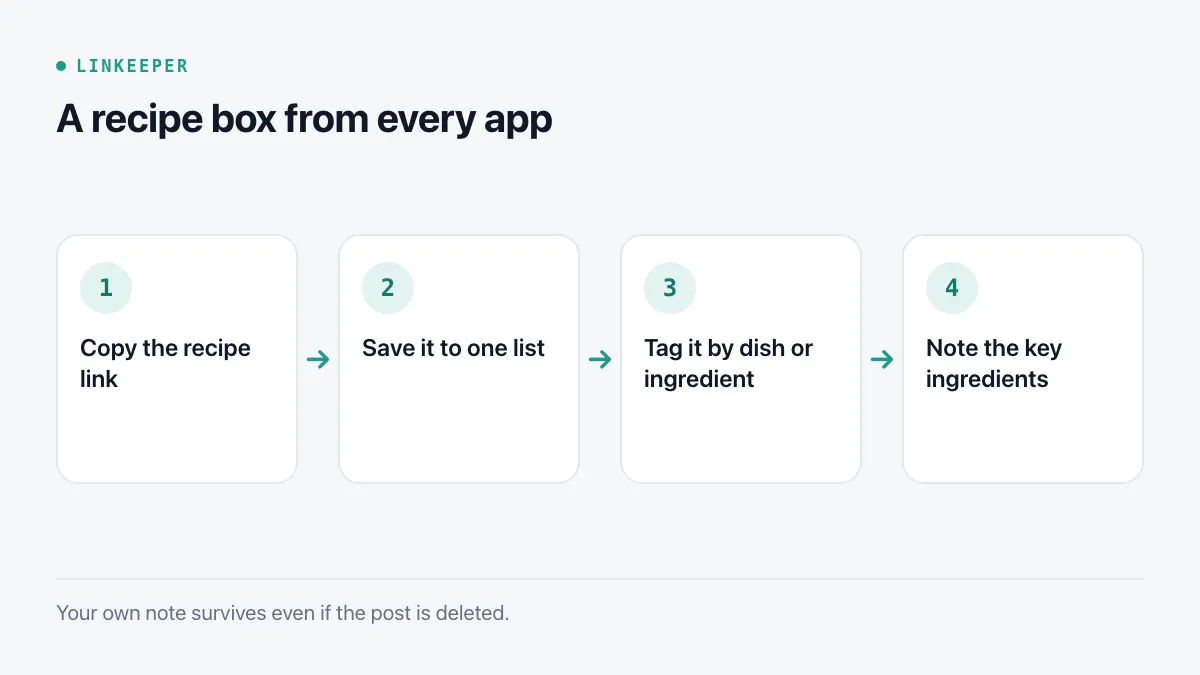
Four habits turn scattered saves into a recipe box you will actually open:
- 1Copy the link instead of only tapping save: Share → Copy link in TikTok, Instagram and Facebook, or Share in Safari. A link works outside the app it came from.
- 2Put every recipe link in one list, whatever app it came from.
- 3Tag by what you'll search for later: the dish (“bánh mì”, “curry”), the main ingredient (“chicken”, “tofu”) or the occasion (“quick dinner”, “party”). Two or three tags are plenty.
- 4Add a one-line note: key ingredients, servings, and anything the creator only said out loud. When you've cooked it, add how it went — “less sugar next time”.
How do I follow a recipe while I cook?
Recipe blogs are long and video steps go by fast. A few built-in iPhone features help in the kitchen:
- Safari's Reader view (tap the page menu in the address bar → Show Reader) strips ads and pop-ups so the ingredient list is easy to read; you can make the text bigger from the same menu.
- Safari can read a page aloud (page menu → Listen to Page), so you can keep your hands on the cutting board. Other ways are in how to make your iPhone read web pages aloud.
- For a video recipe, pause on the ingredient screen and take a screenshot, or type the list into your note before you start.
- If the kitchen has poor signal, save the page for offline reading first: see how to save web pages to read offline. Videos still need a connection to play.
How does Linkeeper make it easier?
Linkeeper is built for the “one list for every app” step, so saving a recipe takes a tap and finding it takes a word.
- Share a TikTok, Instagram, Facebook or YouTube recipe to Linkeeper from the share sheet without leaving the app; the title and thumbnail are fetched for you.
- Hashtags in the post become tags automatically, and you can add your own tags or sort recipes into collections such as “Weeknight dinners” or “Baking”.
- Each link has a note field for ingredients and tweaks. Search covers titles, notes and the text of saved articles, works offline, and ignores Vietnamese diacritics, so “ga kho” finds “Gà kho”.
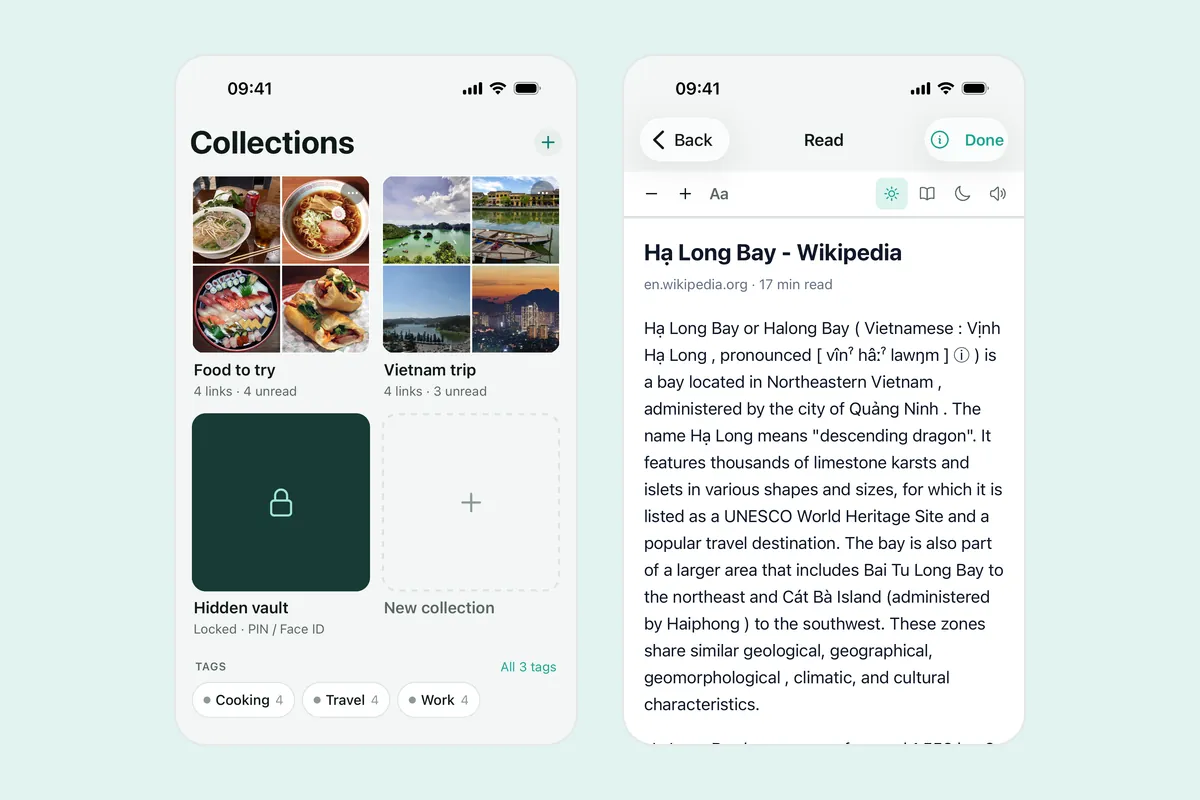
- Recipe websites open in an offline reader with adjustable text size and a light, sepia or dark theme. You can highlight the ingredient list, and Listen mode reads the article aloud offline.
- Want to share your recipe box with family? A collection can be shared as a read-only link that opens without an account.
- Already saved dozens of recipes inside TikTok or Instagram? Linkeeper on iOS can import TikTok Favorites and Instagram saved posts from the apps' own data exports, with a preview first.
Which way of saving recipes suits you?
| Each app's Saved list | Apple Notes | Linkeeper | |
|---|---|---|---|
| Recipes from every app in one place | No, one list per app | Yes, if you paste each link | Yes, from the share sheet |
| Search by an ingredient you noted | No notes on a save | Yes | Yes, offline and without diacritics |
| Read a recipe blog offline | No | Only text you paste in | Yes, in the reader |
| Share the list with family | Varies by app | Shared note via iCloud | Read-only link to a collection |
If you only ever save from one app, its own Saved collections may be enough. Once your recipes come from three or four places, one list with tags and notes saves the most time. For the same routine applied to food places rather than recipes, see planning a trip from saved TikTok places.
Frequently asked questions
- Does saving a TikTok recipe let me watch it offline?
- No. Saving the link, in TikTok or in any link app, keeps the address of the video, not the video itself, so it needs a connection to play. Some creators allow downloads from TikTok's Share menu; otherwise, write the steps in a note before you lose signal.
- What happens if the creator deletes the recipe post?
- The link stops opening, in the app's Saved list and everywhere else. That is why the note matters: key ingredients and quantities typed in your own words stay with you even when the post is gone.
- Do I need an account to save recipes in Linkeeper?
- No. Links, tags, notes and collections are stored on your iPhone first. Signing in with Apple or Google is optional and only used to sync your library between devices.
- Can I move recipes I already saved in TikTok or Instagram?
- Yes. Request your data from TikTok or Instagram, then import the file in Linkeeper on iOS: TikTok Favorites and Instagram saved posts come in as links, and Instagram collections become tags. The file is read on your iPhone and never uploaded.