
How students can keep study links and readings organized
Published · 6 min read
The simplest system for study links is one collection (or folder) per course, a tag for the type of source, and one line on why you saved each link — written when you save it, not the night before the essay is due. Add the access date and author for anything you might cite, and spend ten minutes a week clearing what you have read.
This guide sets that up with tools every student already has, explains what to record for citations, and shows where a link app saves time during a semester.
Why do study links get lost?
- They arrive everywhere: the course page, a class group chat, an email from the lecturer, a video someone posted, your own searches.
- Browser tabs feel like saving but are not: one update or a closed window and the reading list for week 6 is gone.
- Links without context: a month later, “bit.ly/…” or “PDF (3)” says nothing about which argument it supported.
- Sources needed for citation lose their details — author, date, where it was published — if you only kept the link.
How should I set up folders and tags for a semester?
- 1Make one collection or folder per course, named the way your timetable names it.
- 2Add a few tags for the type of source: lecture, paper, article, video, dataset. Keep it under six.
- 3Use one extra tag for status if you need it — “to read” — and remove it when done.
- 4At the end of the semester, archive the course instead of deleting it; references come back in later courses.
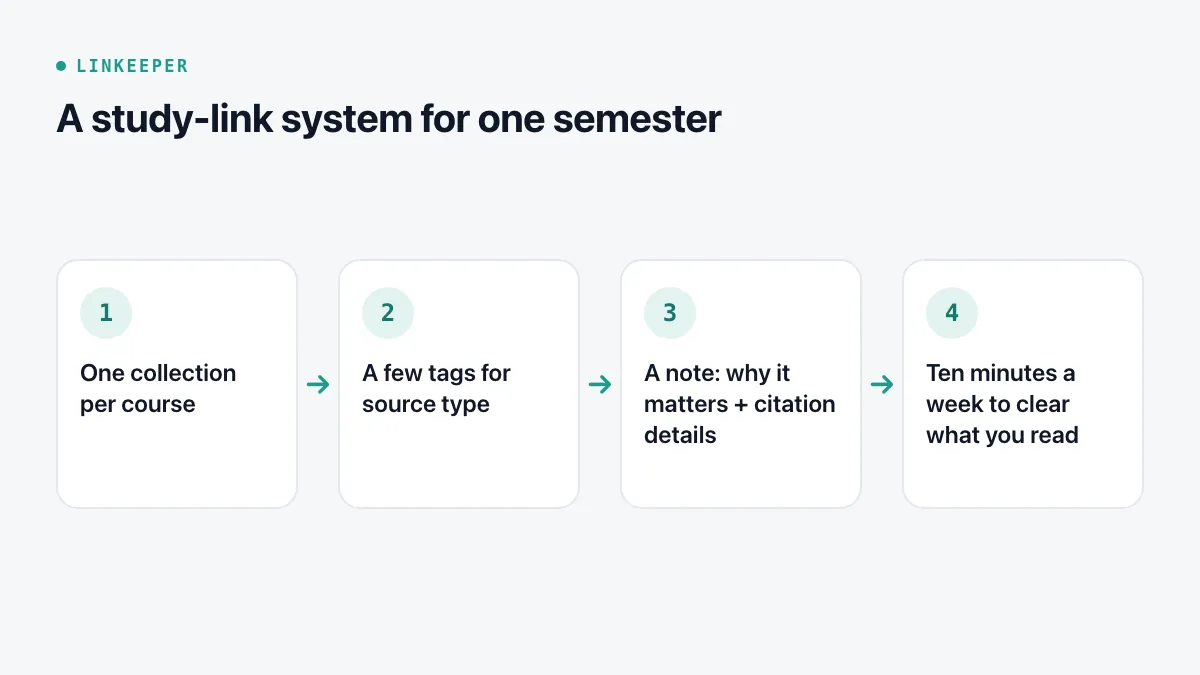
Courses as collections and source types as tags is the same split described in tags or folders?: the collection answers “which course?”, the tag answers “what kind of thing?”.
What should I write down for each source?
When you save a link you might cite, take thirty seconds to note:
- Why you saved it, in one sentence: the claim, the data or the definition it gives you.
- Author or organisation, title, and where it was published.
- The date it was published and the date you accessed it — many citation styles ask for the second one for web sources.
- The original URL, not a shortened or tracking link. For academic papers, the DOI if there is one.
How do I actually get through the readings?
- Read short pieces as soon as you save them; queue only what takes real time.
- Use dead time: a commute or a queue is enough for one article — offline if you saved it for offline reading, or listened to with your iPhone's read-aloud tools.
- Highlight sparingly and write a line in your own words next to each highlight. That line is what you will reuse in the essay.
- Once a week, open each course, mark what you finished, archive what turned out to be irrelevant, and move one or two key quotes into your course notes.
The how-to for listening is in making your iPhone read articles aloud; for marking passages, see highlighting web pages on iPhone.
Can I do all this with built-in apps?
Yes. Safari bookmark folders can hold the per-course structure, Notes can hold one note per course with links and your comments, and Files can hold PDFs. The weak spots are links that come from apps other than Safari, links in chats, and searching inside what you saved — which is where a dedicated app helps.
Where Linkeeper helps
Linkeeper fits the collecting and reading half of this system on your iPhone.
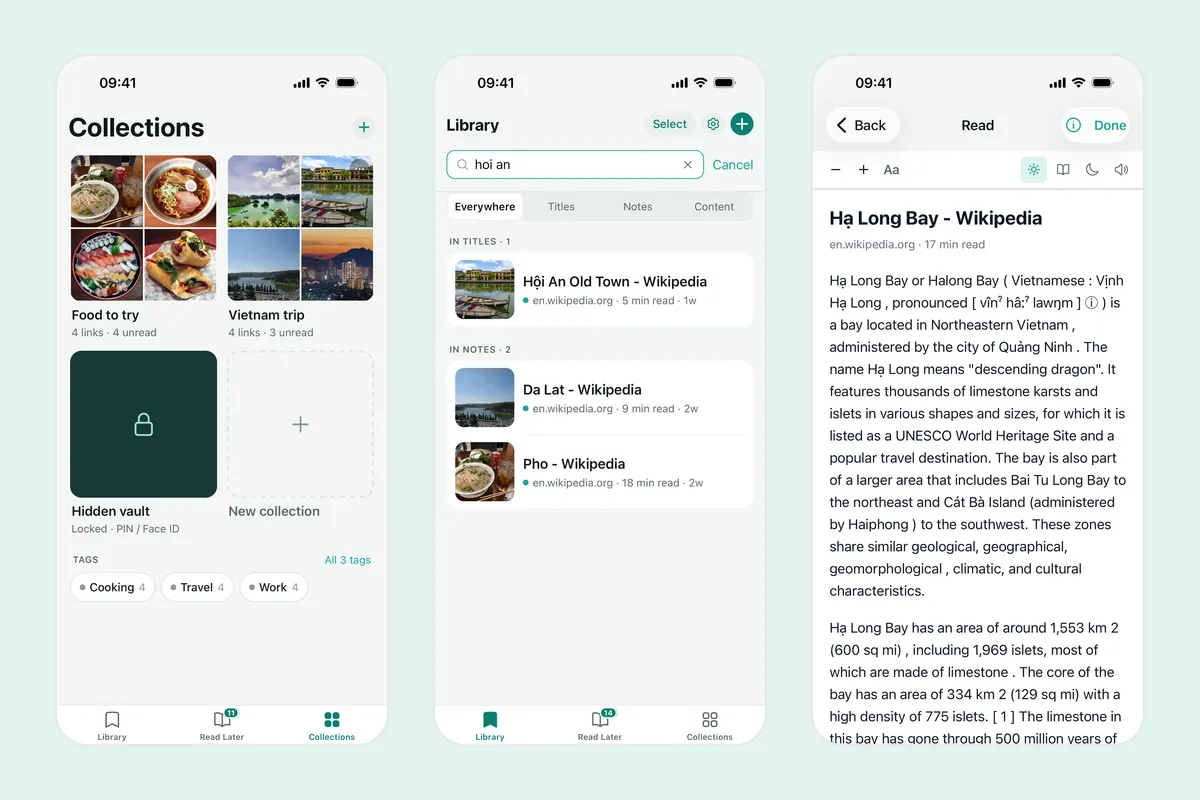
- Save from the share sheet in Safari, YouTube, a class chat or anywhere else; the title and thumbnail are added for you.
- One collection per course, your own tags for source types, and a note on each link for why it matters and the details you need to cite it.
- Search covers titles, your notes and the saved text of articles, offline and without diacritics.
- Read articles in the offline reader, listen to them with Listen mode, and highlight passages with notes; every highlight is listed in one place.
- A daily read reminder at a time you choose, and read and unread states, show what is still waiting.
Linkeeper is for the links; it does not format citations or replace your course's reference manager.