Safari Reader view not showing on iPhone? Why “Show Reader” is missing
Published · 4 min read
Show Reader is missing most often because Safari did not recognize the page as an article. Reader only appears on pages with a clear block of article text, so it is usually absent on home pages, search results, shop pages, videos and web apps. Nothing is broken, and no setting turns it on for those pages.
This guide lists what to check, what to try when a real article should offer Reader, and what to do when it never will. Safari’s menus change a little between iOS versions, so if a label differs, use what is closest on your screen.
Where is the Reader button on iPhone?
- 1Open the page in Safari and tap the aA button in the address bar.
- 2Look for Show Reader in the menu. When Safari finds an article, the aA button can also change to show a Reader icon.
- 3Tap Show Reader. To go back to the normal page, open the same menu and choose Hide Reader.
If Show Reader is not in the menu or is greyed out, Safari does not offer Reader for that page. Apple does not publish the exact rules, but the pattern is consistent: Reader needs a page that looks like one article.
Why is Show Reader missing or greyed out?
- The page is not an article. Home pages, search results, category pages, shop pages, forums and interactive web apps usually do not offer Reader.
- The page has little text. A page that is mostly images, video or widgets may not qualify.
- The text loads late. If the article only appears after scripts run or after you scroll, Safari may check the page before the text is there. Reloading once the text is visible can help.
- The site does not work well with Reader. Some sites offer it on one page and not on another, which is a sign that the page layout, not your iPhone, is the cause.
- You are not in Safari. Reader belongs to Safari. In-app browsers, such as those inside social apps, do not offer it. See how to open a link in Safari instead of the app.
What can I try when it should work?
- 1Wait until the whole article has loaded, then tap aA again.
- 2Reload the page, or open it in a new tab.
- 3Open the article page itself rather than a list that links to it.
- 4In the aA menu, try Request Desktop Website, then check the menu again. Some readers report that this brings the option back; it does not work on every site.
- 5Close Safari and reopen it, or restart the iPhone, then update iOS if an update is waiting. Some people reported Reader disappearing after an iOS update, so a later update may fix it.
What if the page never offers Reader?
Then you need a reader that does not depend on Safari’s decision. Two options: save the page and read it elsewhere, or make the page easier to read in place. Text size and Dark Mode help on any page; see how to read articles on iPhone at night. For reading without a connection, see how to save web pages to read offline.
How does Linkeeper’s reader compare?
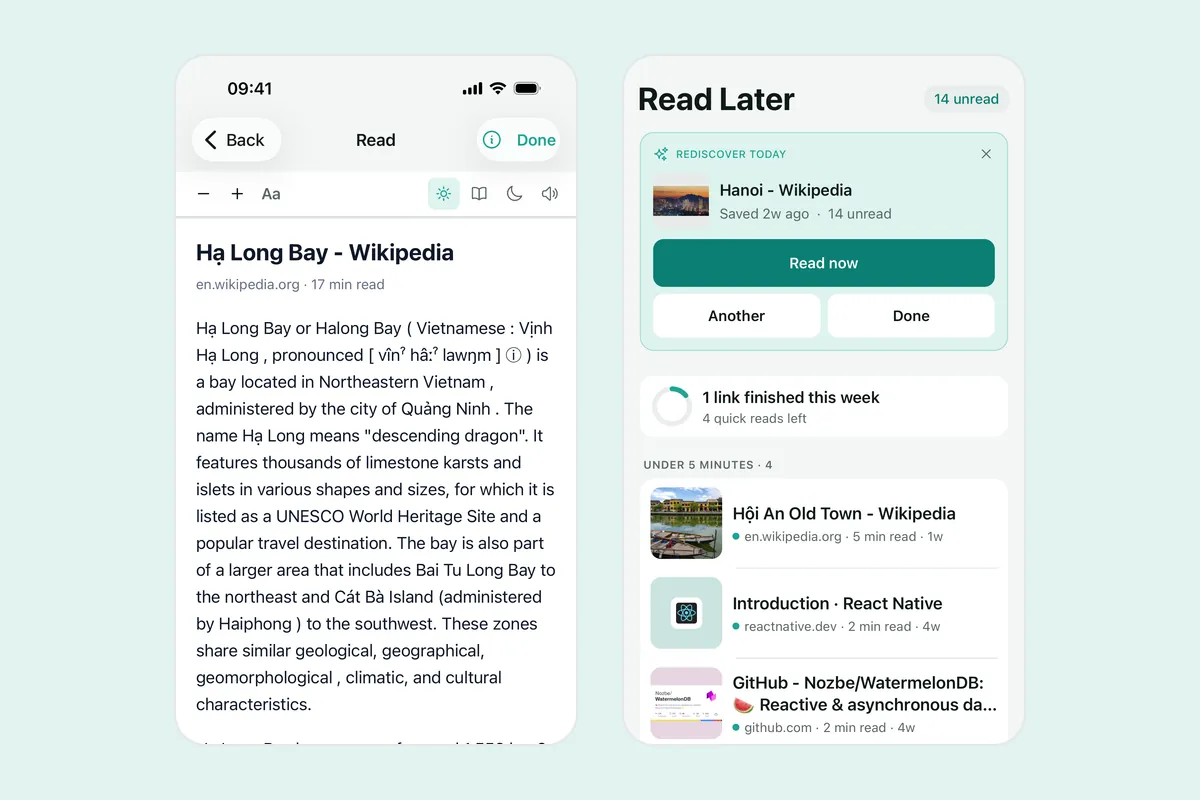
Linkeeper is an iPhone and iPad app that saves links from any app in one tap and keeps them in one organized, searchable library to read later. When you save a link, it tries to pull out the article text. If it finds at least two real paragraphs, tapping the link opens that text in its own reader, which works offline. The reader has light, sepia and dark themes, larger and smaller text, and a serif or sans-serif font.
If it cannot find article text, as with a video or a page without paragraphs, the link opens in the in-app browser instead, and the reader shows a note that no content could be extracted. So Linkeeper has the same limit as Safari on pages that are not articles; the difference is that you decide when to save the link, and the reader works on every saved article, not only those open in Safari.
Frequently asked questions
- Why is Show Reader greyed out in Safari?
- Safari does not offer Reader for that page, usually because it does not look like a single article. Try another page of the same site, or wait for the text to finish loading and tap aA again.
- Is there a setting to enable Reader on every page?
- No. You can turn on Use Reader Automatically for a site, but only on pages where Safari offers Reader.
- Why does Reader work on some pages of a site but not others?
- Reader depends on the page layout. Article pages tend to qualify; home pages and category pages tend not to.
- Can I read a page without Safari’s Reader?
- Yes. Save it in an app with its own reader, such as Linkeeper, if the app can extract the article text, or use larger text and Dark Mode on the page itself.