
Linkeeper vs Safari Reading List: which read-later list fits you?
Published · 6 min read
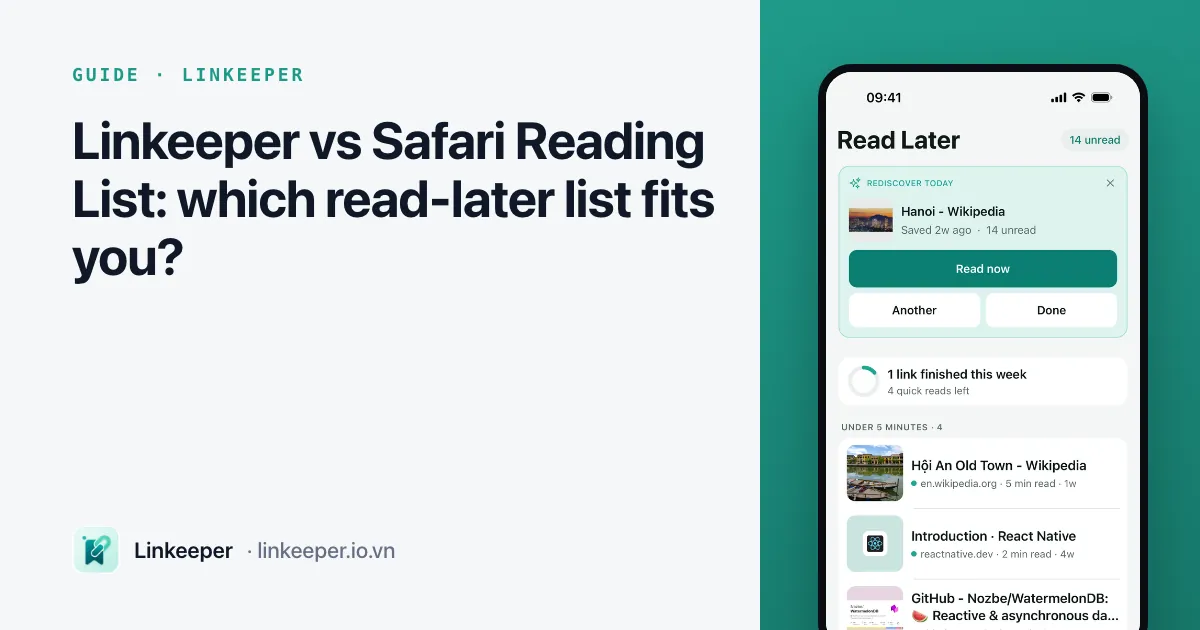
Safari's Reading List is the better choice if you read mostly in Safari and want something free, built in and synced to your Mac and iPad with no setup. Linkeeper fits better when your links come from many apps — TikTok, YouTube, chats — and you want tags, collections, search across saved text, and a way to keep some links private.
Below is a factual comparison, how to get the most out of Reading List if you stay with it, and how the two can work side by side.
How do they compare feature by feature?
| Safari Reading List | Linkeeper | |
|---|---|---|
| Where it comes from | Built into Safari on iPhone, iPad and Mac | An app from the App Store, iPhone only for now |
| Saving | Share → Add to Reading List, or from Safari's bookmarks button | Share → Linkeeper from any app, or paste a link inside the app |
| Title and image | Page title and a preview image | Title, description and thumbnail, including for TikTok, YouTube and Instagram links |
| Offline reading | Downloads a copy when Automatically Save Offline is on | Offline reader with themes, font sizes and Listen (read aloud) |
| Organizing | One list; read and unread | Tags (some added automatically), collections, favorites, archive, read and unread |
| Search | Searches titles in the list | On-device search of titles, notes and saved article text; ignores diacritics |
| Notes and highlights | No | A note per link; highlights with notes in the reader |
| Private links | No lock; visible to anyone who opens Safari | Hidden vault behind a PIN and Face ID |
| Sync | Free through iCloud across Apple devices | Optional sign-in with Apple or Google; from version 1.3, part of Linkeeper Unlimited for new users |
| Cost | Free | Free to save; limits on import, collections and the vault, removable with a one-time purchase |
Both keep your list on your devices; neither needs an account to start. The main differences are where links can come from and how much structure you get once there are hundreds of them.
When is Reading List enough?
- You find almost everything you read in Safari.
- You read on a Mac or iPad as well and want the list there with zero setup.
- Your list stays short — a few dozen articles you get through within a week or two.
- You do not need to keep anything private or search inside what you saved.
If that is you, there is no need for another app. Use Reading List well, as below.
How do I get the most out of Reading List?
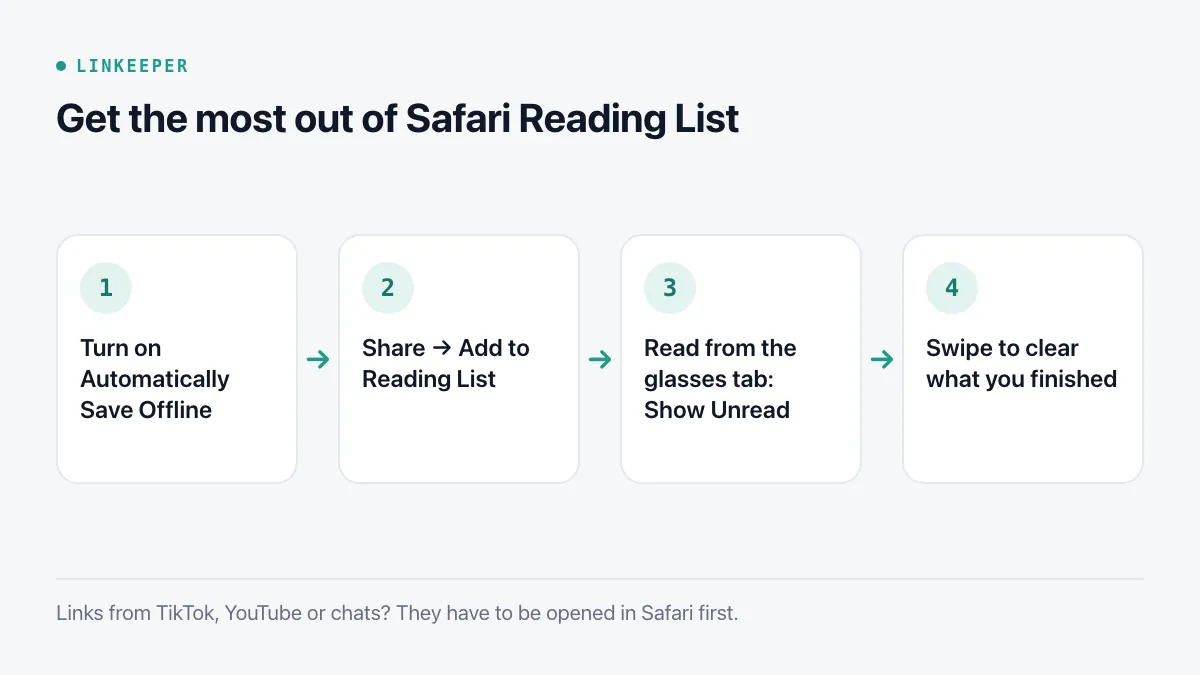
- 1Turn on offline saving once: Settings → Apps → Safari → Automatically Save Offline.
- 2Save with Share → Add to Reading List, or touch and hold a link on any page and choose Add to Reading List without opening it.
- 3Read from the Reading List tab (the glasses icon) in Safari's bookmarks; Show Unread at the bottom hides what you finished.
- 4Swipe left to delete, right to mark as read, so the list only holds what is waiting.
More detail on offline copies, and the PDF alternative for pages you want to keep forever, is in how to save web pages to read offline on iPhone.
When does a separate app make more sense?
- Links reach you from social apps and chats, not just Safari — saving a TikTok or a YouTube video to Reading List means opening it in Safari first.
- The list has grown past what you can scroll, and you need tags, collections or a search that finds a word inside an article.
- Some links are personal and should not be visible to whoever borrows your phone.
- You would rather listen to articles, or mark passages to come back to.
Can I use both?
Yes, and many people do: Reading List for the quick “read this tonight” articles found in Safari, and a link app for everything you want to keep, sort or find again. If you move to Linkeeper later, open each Reading List item and share it to Linkeeper, or export Safari bookmarks on a Mac and import the file.
Where Linkeeper helps
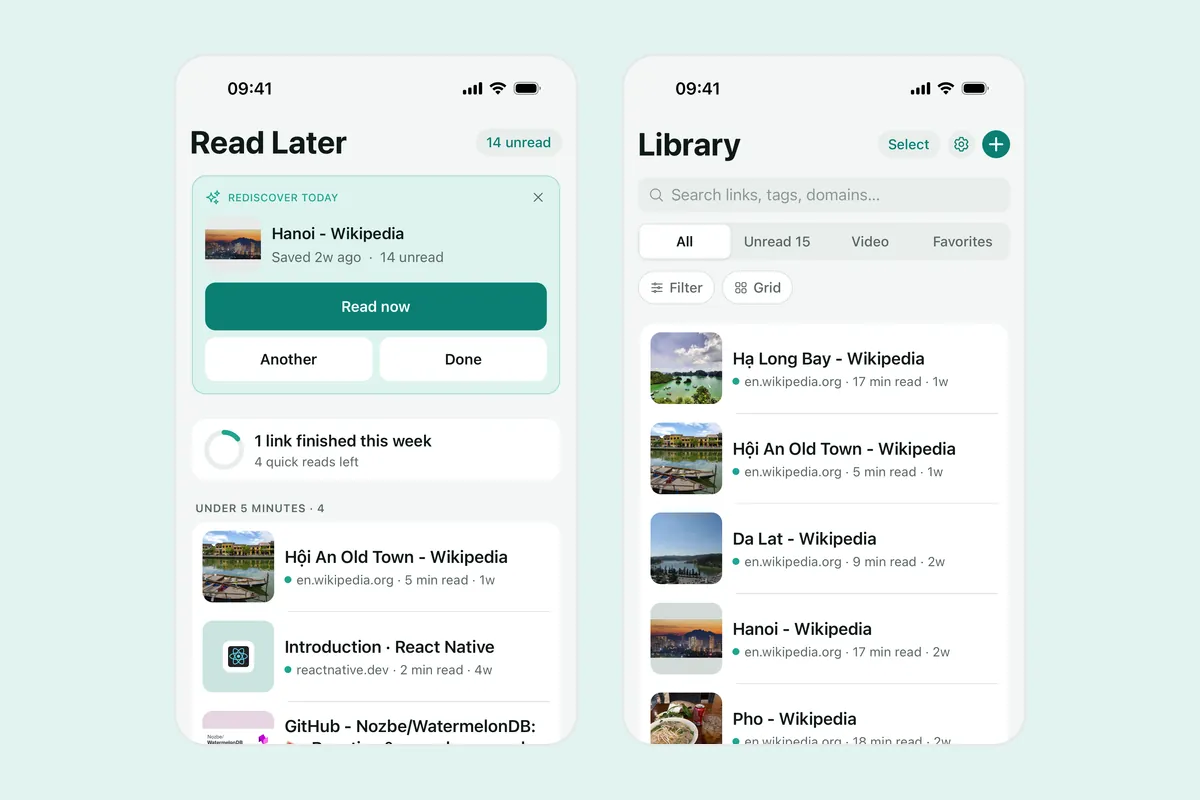
Linkeeper was made for the cases in the last two sections: one list for links from every app, with enough structure to find them again.
- Save from the share sheet in TikTok, YouTube, Facebook, Instagram, Threads, Safari or a chat without leaving that app.
- Unread links show what is still waiting, and once a day Rediscover brings back a forgotten unread link so it does not sink.
- The offline reader can read articles aloud and lets you highlight passages with notes.
- Private links go in the hidden vault. Everything works without an account.
Prefer to compare with Notes? See Linkeeper vs saving links in Apple Notes.