
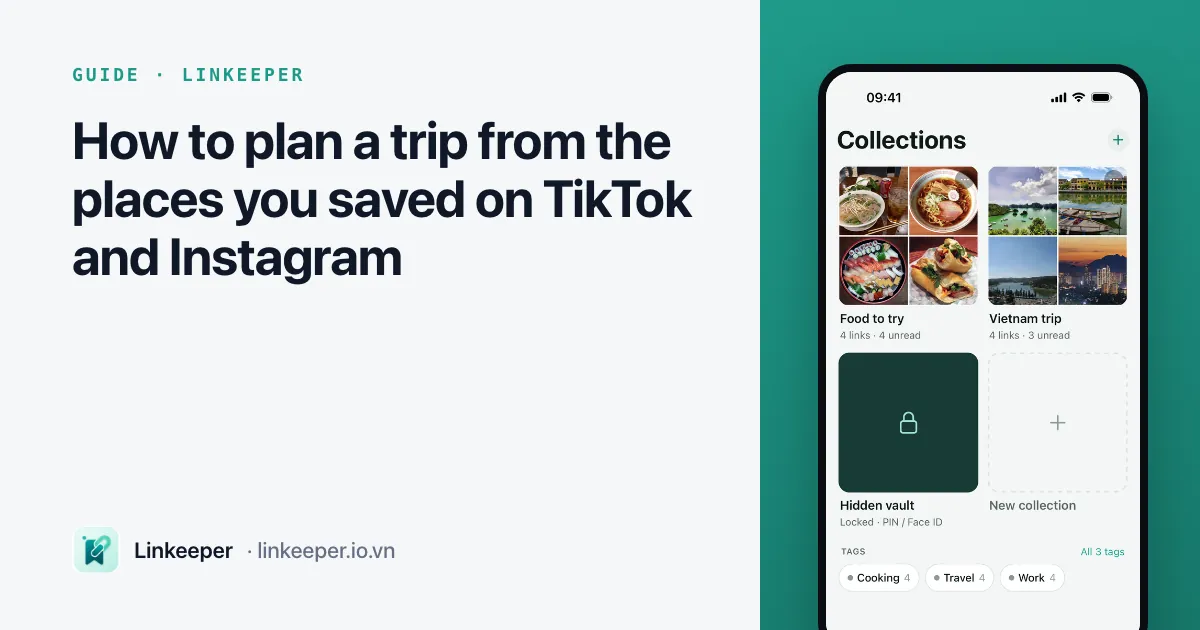
How to plan a trip from the places you saved on TikTok and Instagram
Published · 6 min read
To turn saved TikTok and Instagram places into a trip plan, collect the links in one list tagged by destination, write the place's name and area next to each link the day you save it, and then pin the ones you choose on a map. Posts get deleted and captions rarely say the address, so the note you add is what makes a saved video useful months later.
This guide is a simple routine for before, during and after a trip — it works with built-in iPhone apps, and the last section shows where a link app saves time.
Why do saved travel videos fail when the trip comes?
You saved a café in Đà Lạt in March and a noodle stall in Hội An in June. In September, on the trip, you remember neither name, the videos are spread across three apps' Saved tabs, and one of them has been deleted. The usual problems:
- Each app keeps its own Saved list, so places for one trip are split across TikTok, Instagram and Facebook.
- Videos show the place but the name and address are in a comment, a sticker or nowhere at all.
- Saved lists are sorted by date, not by destination.
- Many places need a connection to look up — exactly what you lack on a mountain road.
How do I collect places while scrolling?
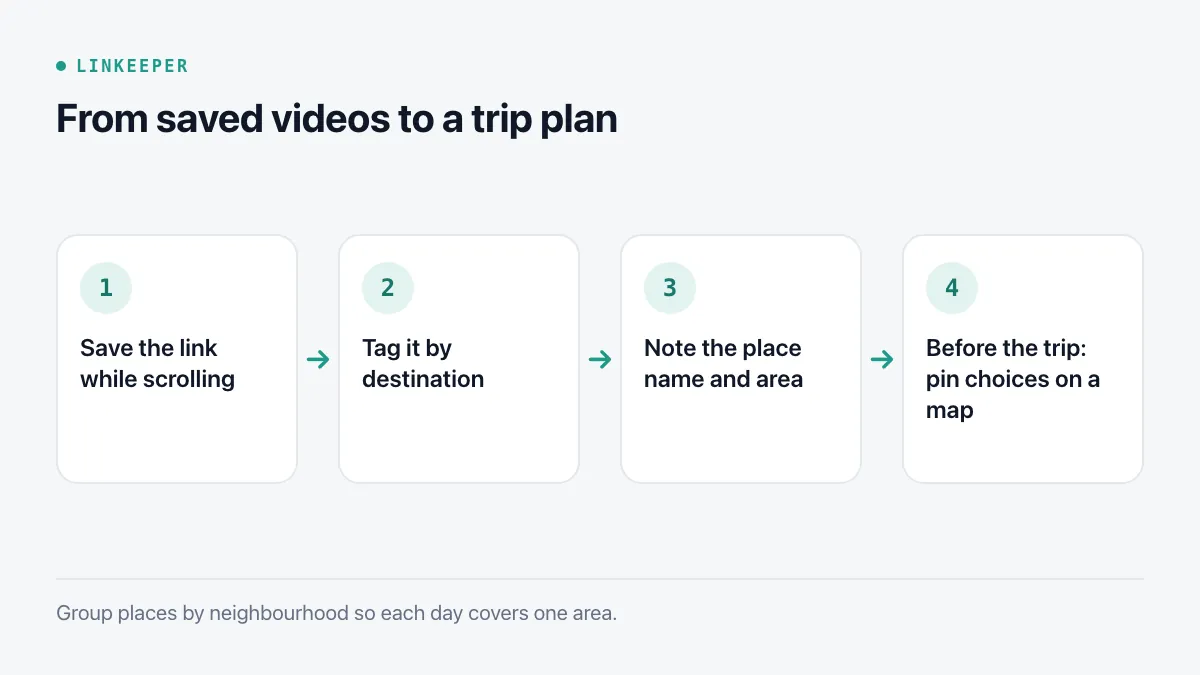
- 1When a place looks worth visiting, tap Share on the post and copy the link (or send it straight to your list).
- 2Put it in one place for all travel saves, tagged by destination: “Đà Lạt”, “Hội An”, “Seoul”.
- 3Add the place's name and area in a note right away — from the caption, the comments or the map pin in the video. Ten seconds now saves ten minutes later.
- 4If the post shows prices or opening hours, note them with the month you saw them; both change.
Destination tags matter more than categories like food or cafés: when the trip comes, you want everything for that city in one view, and you can split it by type from there.
How do I turn saved links into a plan?
A week or two before you go, open everything tagged with the destination and decide:
- 1Delete what no longer appeals or has closed; check the place's page or a map listing for recent reviews.
- 2For each place you keep, search its name in Apple Maps or Google Maps and save it to a list for the trip (Apple Maps calls these Guides; Google Maps calls them Lists).
- 3Group places by area so each day covers one neighbourhood instead of crossing the city.
- 4Write the day-by-day outline in a note, pasting the two or three links that matter for each day. See Notes vs a link app for how the two work together.
How do I keep the plan usable offline?
- Download offline maps for the area before you leave, in whichever maps app you use.
- Screenshot or save as PDF anything you will need without signal: a booking, a ticket, a menu.
- Keep your day plan in a note that is synced and available offline on the phone.
- Videos themselves do not play offline from a saved link; if you need one on the road, rewatch it before you lose signal.
What should I do after the trip?
Clear the destination tag of places you visited or skipped, and keep only what you would recommend to a friend. That short list is worth far more next time — or when someone asks “where should I eat in Hội An?” — than a hundred unsorted saves.
Where Linkeeper helps
Linkeeper gives the collecting step one home, whichever app the video was in.
- Share a TikTok, Instagram, Facebook or YouTube post to Linkeeper without leaving the app; the title and thumbnail are fetched for you.
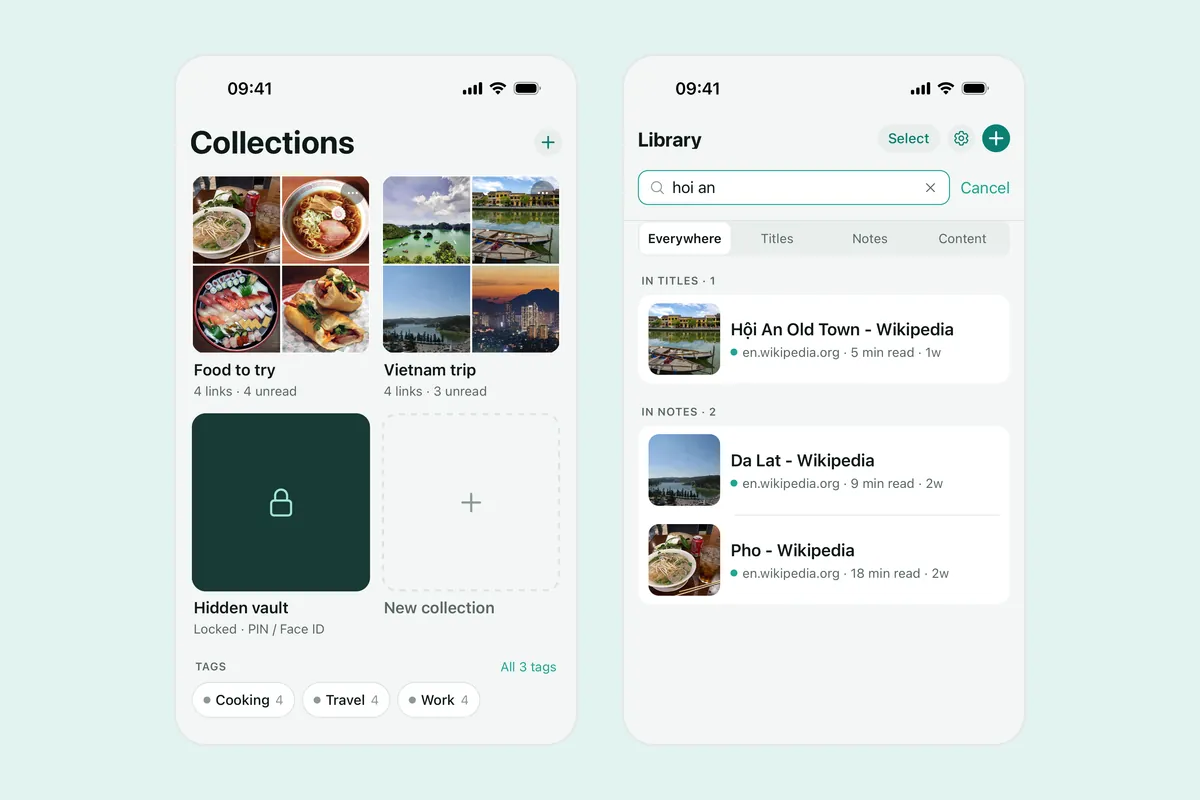
- Make a collection per trip and add tags per city or type; hashtags from the post are tagged automatically.
- Write the place name and address in the link's note — search covers notes too, offline and without diacritics, so “hoi an” finds “Hội An”.
- Already saved dozens of places inside TikTok or Instagram? Linkeeper on iOS can import those saved lists from the apps' data exports, with a preview first.
Where each app hides its own saved posts is covered in the guides for TikTok and Instagram.