How to add a Lock Screen widget for the links you want to read later on iPhone
Published · 4 min read
A read-later list only works if you remember to open it. A Lock Screen widget puts a small reminder where you already look dozens of times a day: the screen that shows when you pick up your iPhone.
This guide shows how to add any widget to the Lock Screen, what to do if the option is missing, and what the Linkeeper widget shows. The menu names below are from recent iOS versions and can differ slightly on yours.
What do you need for Lock Screen widgets?
- iOS 16 or later. Earlier versions have no Lock Screen widgets.
- An app that offers a Lock Screen widget. Only those apps appear in the picker, so a missing app means it has no such widget, not that your iPhone is broken.
Widgets on the Lock Screen are small and read-only: they show a number or a line of text. Tapping one opens the app, and your iPhone asks you to unlock first.
How do I add a widget to the Lock Screen?
- 1Wake your iPhone and unlock it with Face ID or Touch ID, but stay on the Lock Screen (do not swipe up to the Home Screen).
- 2Touch and hold an empty part of the Lock Screen until the wallpaper shrinks and a Customize button appears.
- 3Tap Customize, then choose Lock Screen.
- 4Tap the box below the clock. The widget picker opens.
- 5Find the app in the list, pick a size and tap it to add it. Tap Done.
The line above the clock, next to the date, can hold one small widget on its own. The row under the clock has limited room: a wide rectangular widget takes the space of two round ones.
What does the Linkeeper widget show?
Linkeeper is an iPhone and iPad app that saves links from any app in one tap and keeps them in one organized, searchable library to read later. Its Lock Screen widget comes in three shapes:
- Inline (above the clock): how many links are unread, for example “3 unread”, or “All caught up” when none are.
- Circular: a bookmark icon with the unread number.
- Rectangular: the unread count plus the title (or the site name, if there is no title) of the link that has been waiting longest.
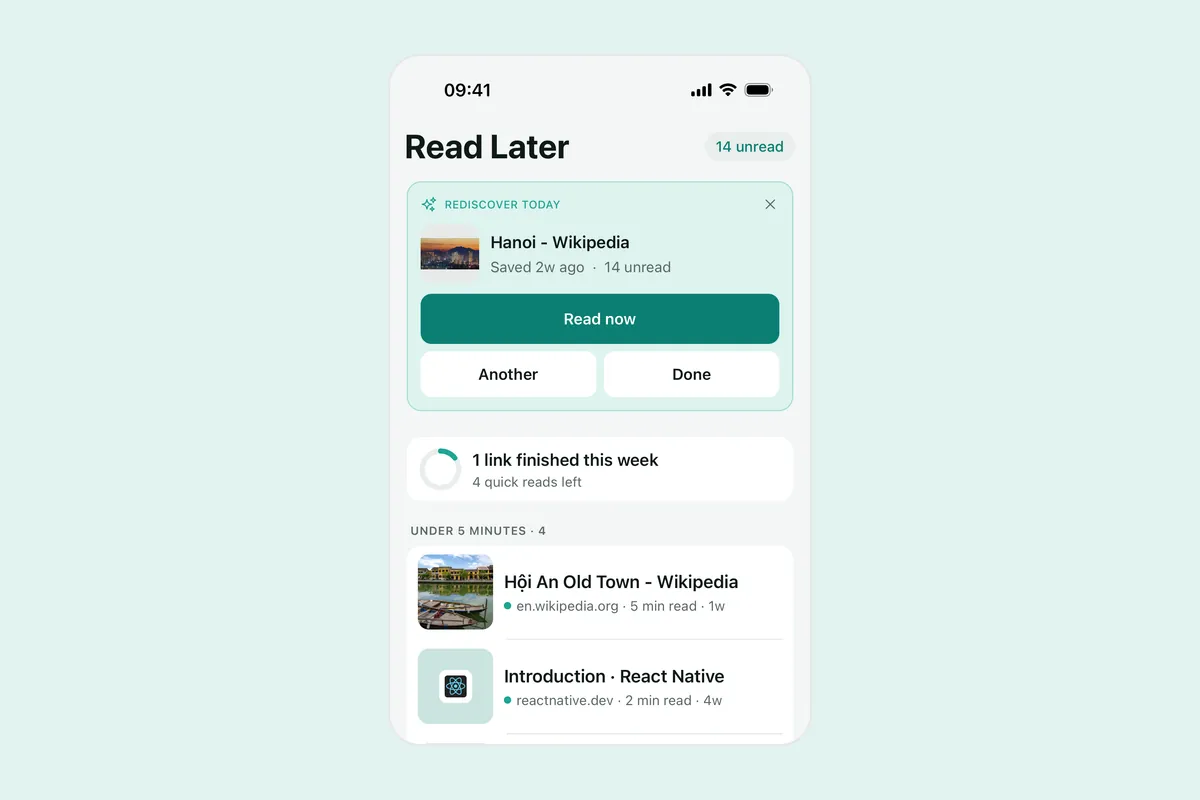
Tapping any of them opens the Read Later tab in the app. Links you archived or moved to the hidden vault are not counted or named, so nothing private appears on the Lock Screen.
Why is the number on my widget out of date?
iOS decides when a widget is redrawn, and apps can only suggest a time. Linkeeper asks for a refresh about every 15 minutes and also updates its data a few seconds after a link is saved, read, archived or deleted, but the widget may still lag behind. Open the app once and the count is brought up to date.
The widget needs the app to have run at least once after you save links. If it shows “All caught up” while you know links are waiting, open Linkeeper to refresh it.
Does a widget replace a reminder?
No. A widget is passive: it only helps when you glance at the Lock Screen. It works well for a backlog you want to keep visible, and badly for a deadline. For something that needs a specific time, use a notification instead, as described in how to set a reminder to read a link later. If the unread number keeps growing, how to clear a read-later backlog helps. To reach a saved link without opening the app, see how to search saved links with Spotlight on iPhone.
Frequently asked questions
- Why can't I add widgets to my iPhone Lock Screen?
- Lock Screen widgets need iOS 16 or later. If you are on a recent iOS, touch and hold the Lock Screen, tap Customize, choose Lock Screen and tap the box below the clock; the box can be missing if you are not in Customize mode.
- Why is an app missing from the Lock Screen widget list?
- Only apps that provide a Lock Screen widget are listed. If the app is installed and updated but absent, it does not offer one.
- Can a Lock Screen widget show my saved links?
- It depends on the app. The Linkeeper widget shows how many saved links are unread and the title of the oldest one, and opens the Read Later tab when tapped.
- Does the Linkeeper widget show hidden links?
- No. Archived links and links in the hidden vault are left out of the count and are never named on the Lock Screen.