
How to find links you sent or received in Zalo and Messenger
Published · 6 min read
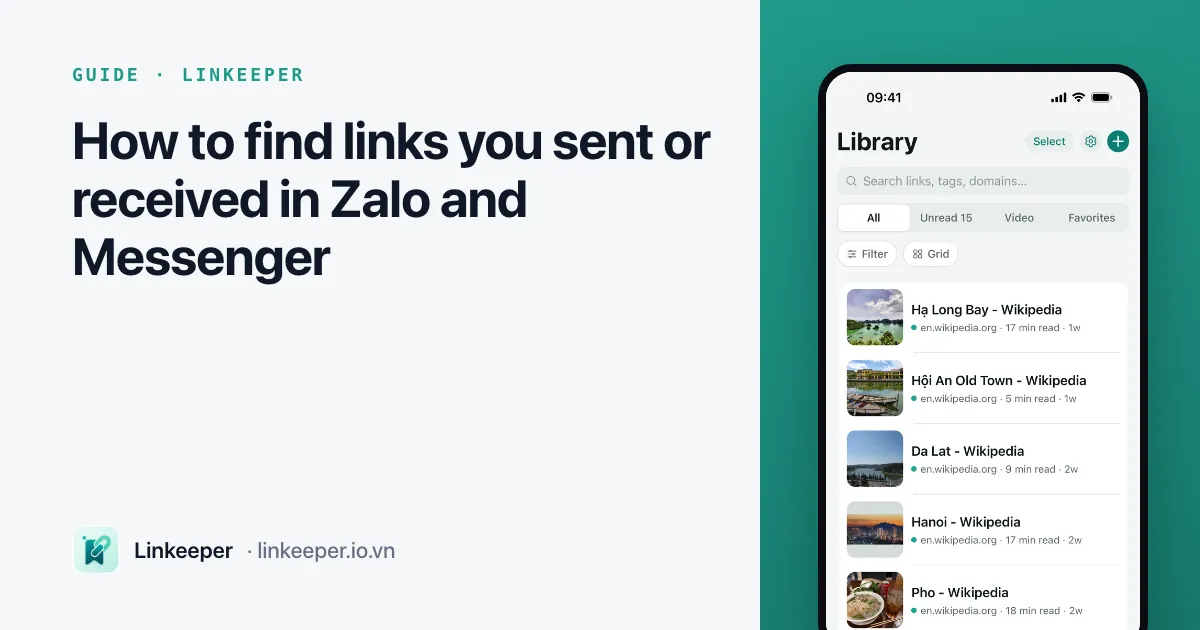
Zalo and Messenger both collect every link shared in a conversation into a separate list, so you rarely need to scroll back through months of messages. In Zalo, open the chat, tap the options (☰) icon and choose the stored photos, files and links section, then the Links tab; in Messenger, tap the person's or group's name at the top and choose View media, files & links, then Links.
This guide covers both apps on iPhone and on a computer, what to do when the list is too long to scroll, why some links disappear, and how to keep the few links that really matter somewhere you control.
Where does Zalo keep the links from a chat?
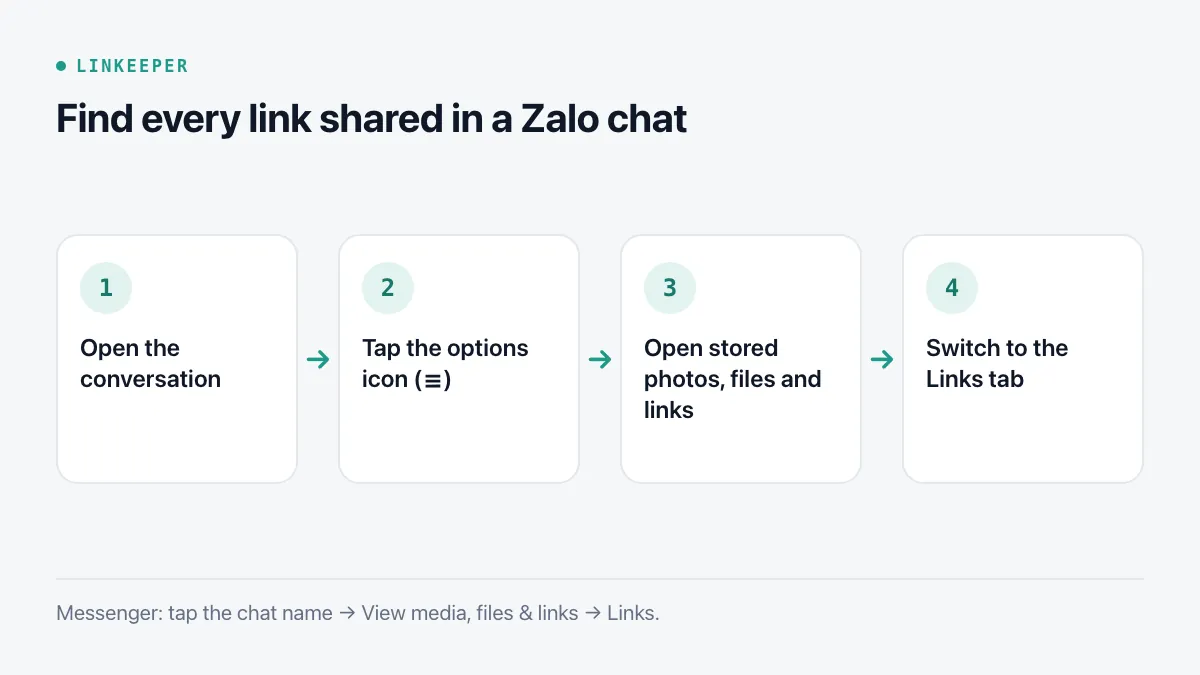
Zalo stores photos, videos, files and links for each conversation in one place. The menu names have changed between versions — older builds call it “Ảnh, file, link đã gửi”, newer ones “Kho lưu trữ” — but the path is the same on iPhone:
- 1Open the conversation (a person or a group).
- 2Tap the options icon (☰) at the top right.
- 3Tap the stored media section — it shows thumbnails of recent photos and is labelled with photos, files and links, or Storage.
- 4Switch to the Links tab. Links are listed newest first, with the page title when Zalo could read one.
Tap a link to open it, or touch and hold it to copy, forward or share it. In a group, the list includes links from every member, not just yours.
How do I find Zalo links on a computer?
On Zalo PC or the web version, open the conversation and look at the information panel on the right. If it is hidden, click the panel icon at the top right of the chat. The panel has sections for Photos/Videos, Files and Links; click Links, then See all to open the full list.
Depending on the version, the full list on a computer can be narrowed by sender or by date, which is much quicker than scrolling on a phone when you remember roughly who sent the link or when.
Where are shared links in Messenger?
Messenger keeps the same kind of list for every chat:
- 1Open the conversation in Messenger.
- 2Tap the person's or group's name at the top of the chat.
- 3Choose View media, files & links.
- 4Switch to the Links tab to see every link shared in that chat, newest first.
On messenger.com or Facebook on a computer, open the chat and the panel on the right has a Media, files and links section with the same Links tab. If you remember a word from the message, the search inside the conversation is often faster.
Why can't I find a link I know was sent?
A few things remove links from these lists, and they are worth knowing before you rely on a chat as storage:
- The message was recalled or deleted. A recalled message takes its link with it, for everyone in the chat.
- The chat was deleted on this device, or you signed in on a new phone without restoring your chat history. In Zalo, history only moves between phones if you back it up and restore it.
- Disappearing or self-destructing messages were turned on for that conversation.
- The link was inside an image or a forwarded post rather than typed as text, so the app never recognised it as a link.
If the list is long and you only remember the topic, try searching the chat for a word from the page title or the site name — for example “shopee” or “booking”.
How do I keep important links from a chat for good?
Chats are good at delivering links and bad at keeping them: a group gets busy, history gets cleared, and the one link you need is buried under hundreds of others. When a link matters — a booking, a document, a product you plan to buy — move it out of the chat as soon as you see it.
- 1Touch and hold the message with the link and choose Copy (or Share, if the app offers it).
- 2Paste it into one place you check: a note named “Links to keep”, a reminder with a date, or a link-saving app.
- 3Add a few words about why you kept it and who sent it. Next month you will not remember why “bit.ly/3xk…” mattered.
Zalo also has a personal chat called “Cloud của tôi” (My Cloud) where you can forward messages to yourself. It is handy for a handful of items, but it is still a chat: the newest message pushes everything else down, and there are no folders or tags.
Where Linkeeper helps
Linkeeper is a place to put the links worth keeping, wherever they arrive from — Zalo, Messenger, TikTok, Safari or anything else with a Share button.
- Copy a link from a chat and open Linkeeper: the Paste button reads the clipboard only when you tap it, shows a preview, and tells you if the link is already saved.
- Where the chat app offers the iOS share sheet, choose Linkeeper there and the link is saved without opening the app.
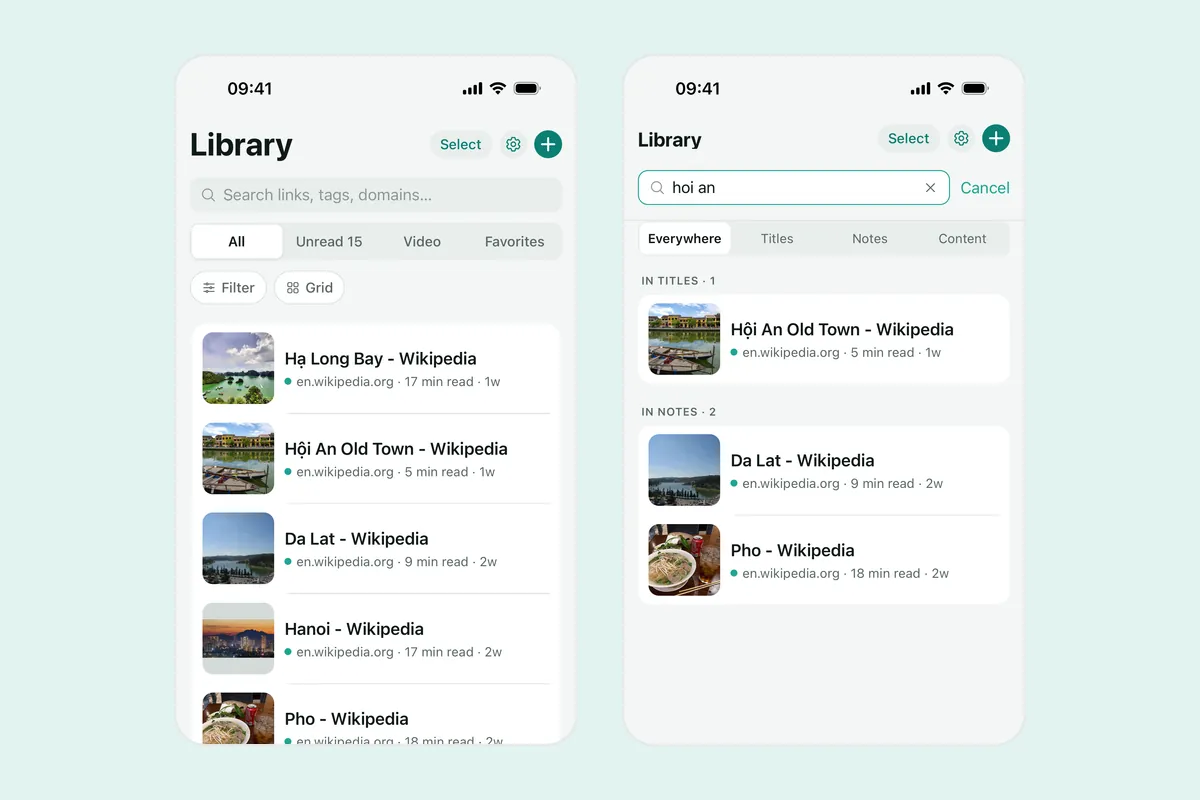
- The title and thumbnail are fetched for you, so a list of saved links reads like a list of pages, not a column of addresses.
- Add a note (“from Lan, hotel for the Đà Lạt trip”), tags or a collection, then find it later with search that works offline and ignores Vietnamese diacritics.
If you set up the share sheet once, saving from any app takes two taps — see how to add an app to the iPhone share sheet. For links that should stay out of sight, Linkeeper's hidden vault is covered in the FAQ.