
How to see your saved posts on Instagram (and keep them organized)
Published · 5 min read
On the Instagram app, go to your profile, tap the menu icon (three lines) at the top right and choose Saved. Everything you saved — posts, Reels and carousels — is under All posts, and anything you filed is in your named collections. On a computer, open your profile and click the Saved tab.
Only you can see your Saved list. Below: the exact steps, how to sort saves into collections, and what to do if you want them to outlast the original post.
Where are saved posts in the Instagram app?
- 1Open Instagram and tap your profile picture at the bottom right.
- 2Tap the menu icon (three lines) at the top right.
- 3Choose Saved. You will see All posts first, then any collections you created, and sometimes a separate section for saved audio.
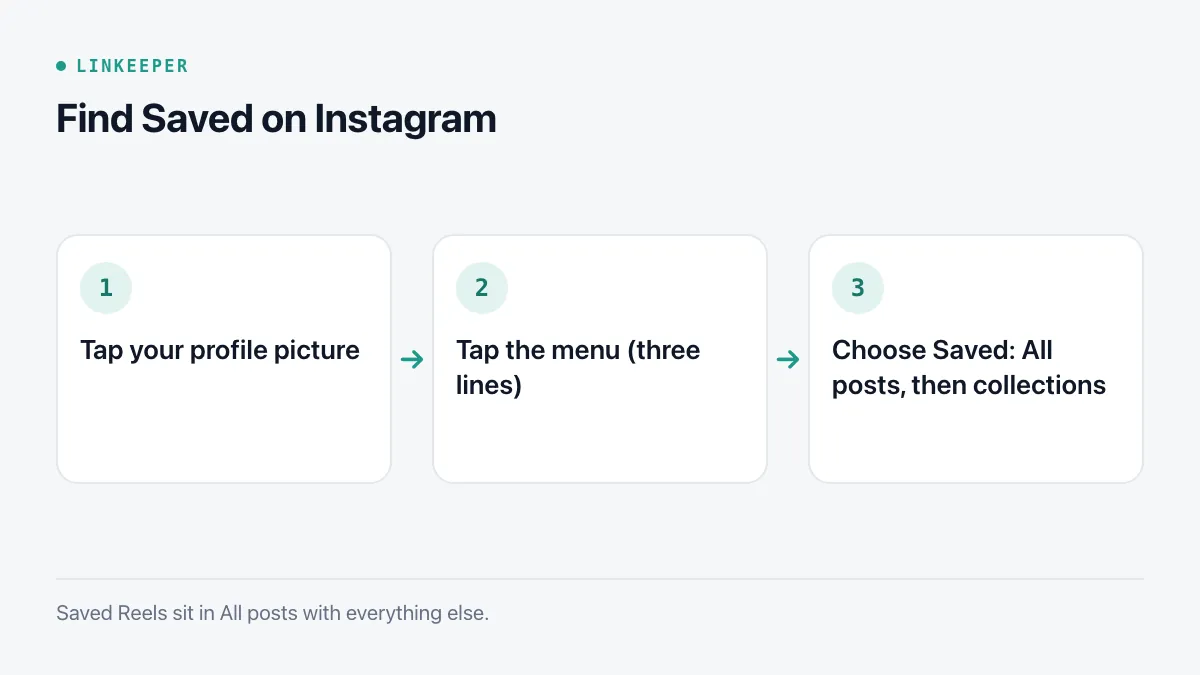
Reels you saved appear in All posts together with regular posts; there is no separate Reels folder unless you make a collection for them.
How do I save a post or Reel?
Tap the bookmark icon under a post (bottom right) or on the right side of a Reel. To file it directly into a collection, touch and hold the bookmark icon instead of tapping it, then pick the collection.
Saving is private. The person who posted it is not notified, and your Saved list is never shown on your public profile.
How do Instagram collections work?
Collections are folders inside Saved. A post can be in more than one collection, and it always stays in All posts as well.
- 1Open Saved and tap the + button at the top right.
- 2Name the collection — for example Recipes, Outfits or Travel — and optionally pick saved posts to add right away.
- 3To add more later, open any post in All posts, tap the bookmark and choose Move to collection, or touch and hold the bookmark when saving a new post.
Collections can also be shared and made collaborative with another account, which is handy when planning something together. As with any filing system, a few broad collections are easier to keep up than many narrow ones; our guide to tags and folders goes into why.
Can I see Instagram saved posts on a computer?
Yes. Go to instagram.com, sign in, click Profile in the left-hand menu, and select the Saved tab next to Posts and Tagged. The Saved tab is visible only to you. Your collections show up there too, and you can open each one to browse it on a larger screen.
Why did a saved post disappear?
Instagram's Saved list is a pointer to the original post, not a copy. A saved item vanishes when:
- the author deletes the post or archives it;
- the account becomes private and you do not follow it, or the account is deactivated or deleted;
- the author blocks you;
- Instagram removes the post.
Nothing can bring those back from your side. If a post holds something you really need — a recipe, an address, a product name — note the important part down while it is still visible.
How do I keep Instagram links outside the app?
For one post at a time, copy its link:
- 1Tap the Share icon (paper plane) under the post or on the Reel.
- 2Choose Copy link.
- 3Paste it into a note, a document or a link-saving app, with a short reminder of why you saved it.
For everything at once, use Download your information in Accounts Center (Settings → Accounts Center → Your information and permissions). You can request only the parts you need; saved items and collections are one of the categories. Instagram prepares the file in the background and notifies you when it is ready to download.
The archive is reliable as a record, but it is a folder of HTML or JSON files — fine for keeping, not for browsing every day.
Where Linkeeper helps
Linkeeper keeps links from Instagram in the same list as links from TikTok, Facebook, YouTube and Safari, so you have one place to search instead of several Saved tabs.
- Tap Share on a post or Reel, then choose Linkeeper from the share sheet (you may need to tap More or Share to… first). The link is saved without opening Linkeeper.
- Instagram blocks a lot of automatic previewing on phones, so Linkeeper uses a server-side fallback to fetch the title and thumbnail; it may take a few extra seconds.
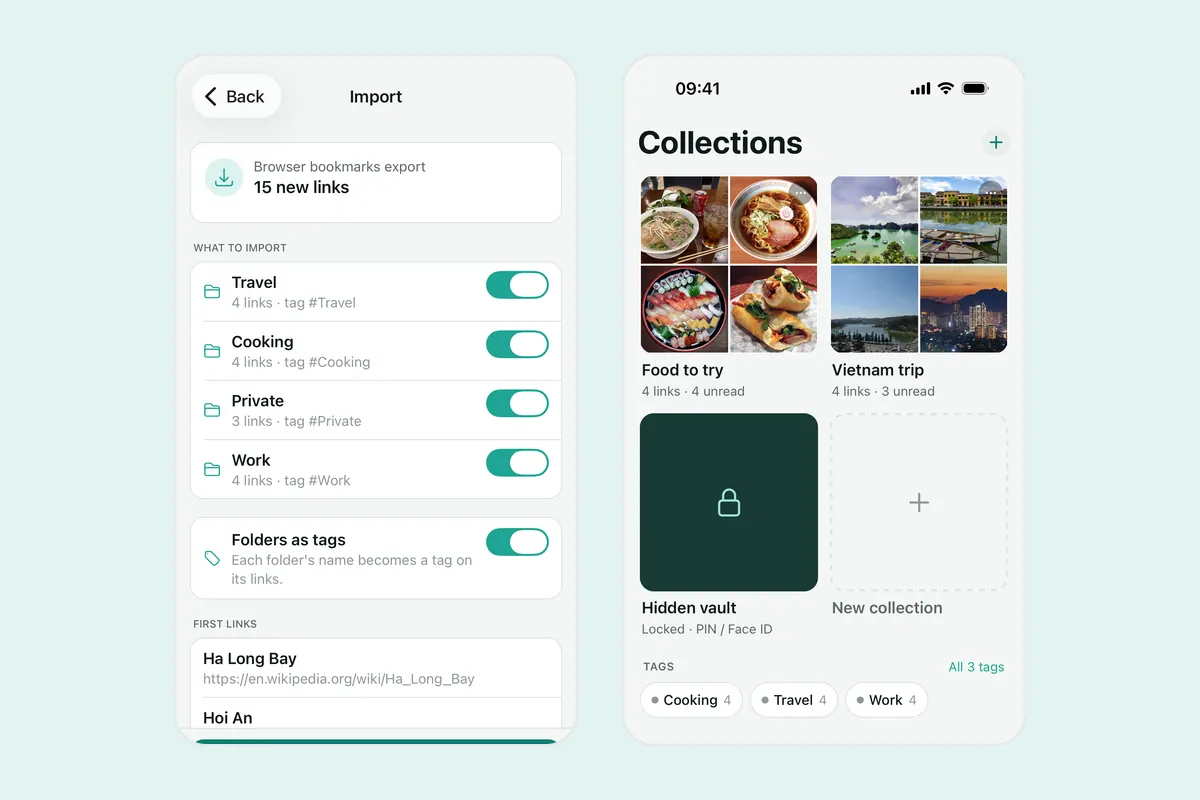
- On iOS (version 1.2 and later), Linkeeper can import your Instagram saved posts and collections from the Download your information file. The file is parsed on your iPhone and never uploaded, you see a preview first, duplicates are skipped, collections become tags, and the import can be undone.
- Search is offline and diacritics-free; no account is needed.
If you save from several apps, read how to save TikTok, Instagram and Facebook links; for Facebook's own Saved list, see how to find saved posts on Facebook. Import questions are answered in the FAQ.