
How to save an Apple News story to read later on iPhone
Published · 5 min read
To save an Apple News story on iPhone, open the story, tap the Share button or the ⋯ menu and choose Save Story. The story is then listed under Saved Stories in the News app. If you also want the link kept with your other reading and a note about why, share the story to Linkeeper, an iPhone and iPad app that saves links from any app in one tap.
Below are the steps, where to find saved stories again, what to expect when you have no connection, and how to keep a story's link outside the News app. Menu names and positions change between iOS versions, so look for the same idea on your screen.
How do I save a story in the Apple News app?
Apple News has its own saved list, separate from Safari's Reading List.
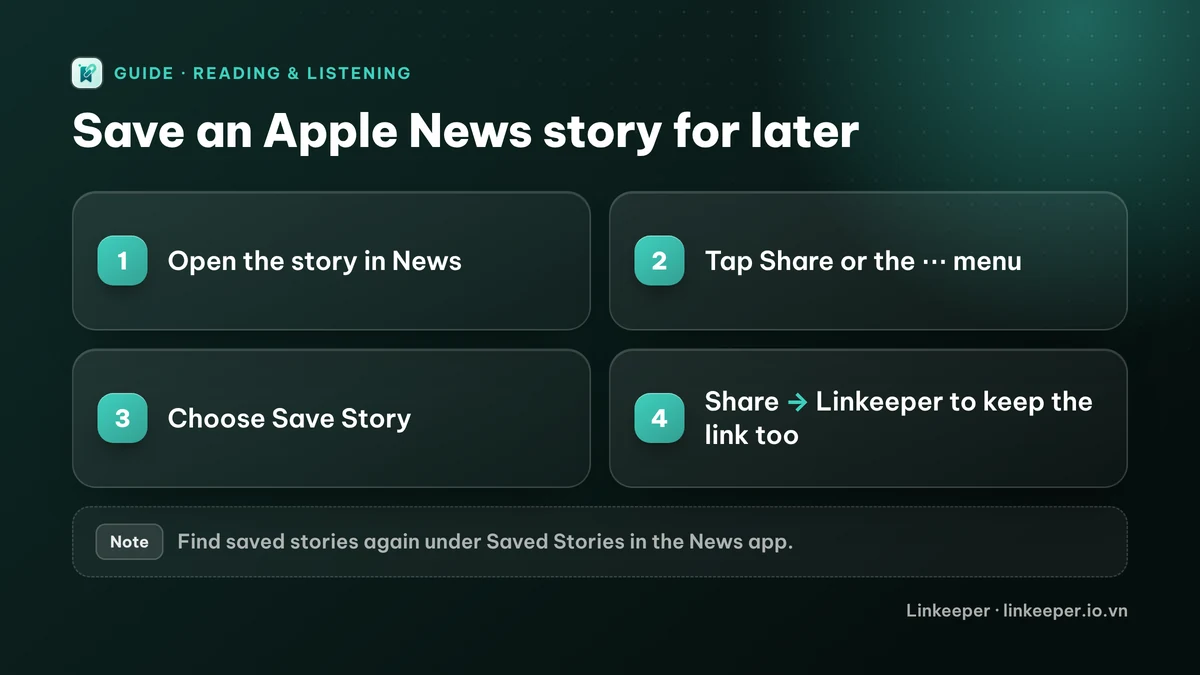
- 1Open the story in the News app.
- 2Tap the Share button, or the ⋯ menu if your version shows one.
- 3Choose Save Story. On some versions you may need to swipe up in the share sheet to see it.
- 4To remove it later, open Saved Stories and swipe the story to the left.
Where do I find saved stories in Apple News?
Open Saved Stories in the News app. In older versions it is under the Following tab; in newer ones look in the app's sidebar or menu. If you cannot find it, search the News app's settings and menus for “Saved”.
Why would I keep the link somewhere else?
Saved Stories lives inside one app. A link kept elsewhere can sit next to your other reading, carry a note, and be sent to another person. Apple News usually shares a short apple.news link, which opens in the News app on an iPhone that has it.
- 1Open the story in Apple News and tap Share.
- 2Pick Linkeeper in the app row of the share sheet. If you do not see it, choose Copy Link instead.
- 3Add a note, for example “read before Friday’s meeting”.
Some stories are visible only with an Apple News+ subscription. Saving the link does not give access to a story you cannot open.
Where Linkeeper helps
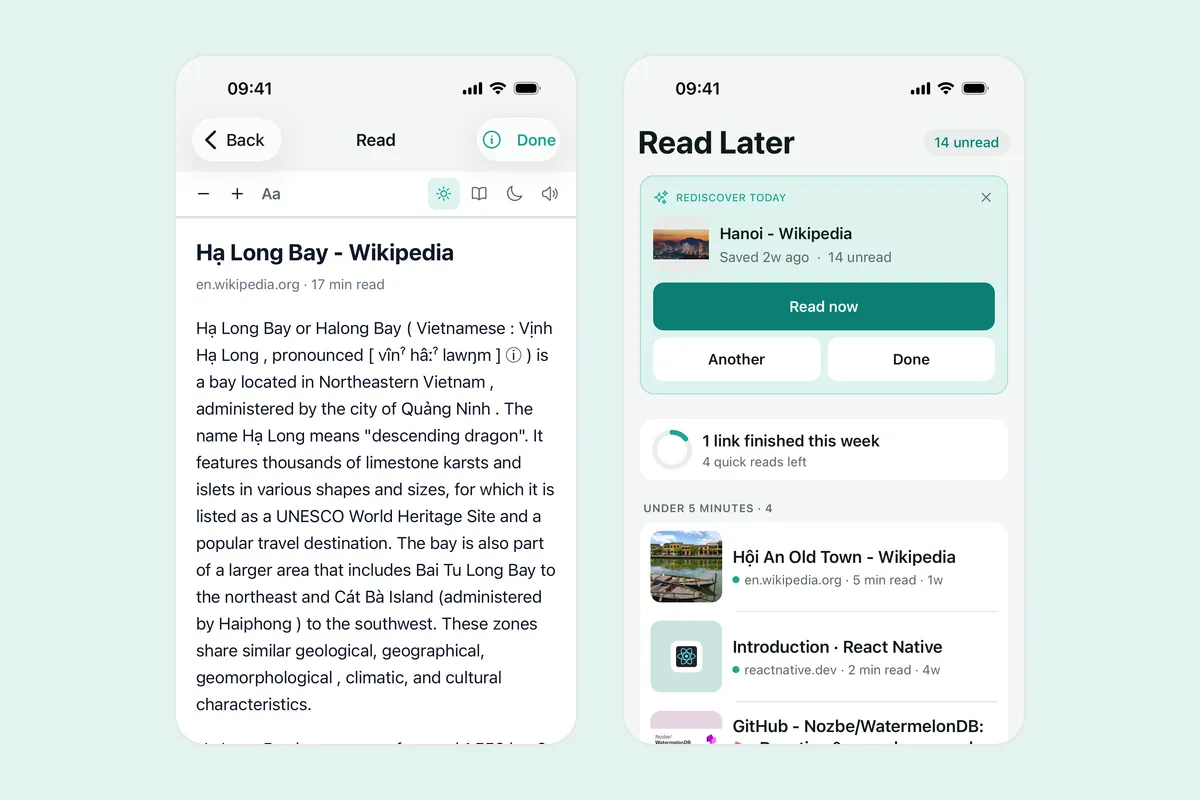
Linkeeper keeps news stories in the same list as the articles and videos you save, so a story can sit next to the background reading it came with.
- Share a story to Linkeeper from the share sheet, or tap Save copied link if you copied it. The title and image come from the page the link points to.
- Add your own tags or a collection and a short note, then search everything offline.
- Read and unread states, archive and the daily Rediscover pick help you work through what you saved instead of only adding to it.
Linkeeper saves the link, not a copy of the story, and it cannot open a story that needs a subscription you do not have. Some links give little title or preview information, so add a one-line note if the card looks bare. If the share sheet does not show Linkeeper yet, add it to the share sheet once.
Frequently asked questions
- How do I save a story in Apple News on iPhone?
- Open the story, tap Share or the ⋯ menu and choose Save Story. It is then listed under Saved Stories in the News app.
- Can I read saved Apple News stories offline?
- Not reliably. Apple notes that titles stay in Saved Stories but a connection may be needed to read a story, so open it once on Wi-Fi before you travel.
- How do I remove a saved story in Apple News?
- Open Saved Stories and swipe the story to the left.
- Does Linkeeper save the text of an Apple News story?
- No. Linkeeper saves the link, with a title, image, tags and your note. It cannot open stories that need a subscription you do not have.