
How to copy a link as a Markdown link on iPhone
Published · 4 min read
To copy a link as a Markdown link on iPhone, you need the page title and the address in the form title. Safari’s Copy gives only the address, so you either type the brackets yourself or copy from an app that builds it for you. In Linkeeper, an iPhone and iPad app that saves links from any app in one tap, touch and hold a saved link, tap Copy as…, then Markdown link.
Below: what a Markdown link looks like, the manual way, the one-tap way from a saved link, and the small details worth knowing. Menu names change between iOS versions, so look for the same idea on your screen.
What is a Markdown link, and why would I want one?
A Markdown link wraps the page title in square brackets and the web address in round brackets, with no space between them: Page title. Notes apps that understand Markdown, such as Obsidian and Bear, show it as a clickable title instead of a long address.
It is handy when you collect sources in a note, write a reading log, or paste links into a document. A bare address tells you nothing a month later; a titled link does.
Can Safari copy a link as Markdown?
No. Safari’s Copy action puts the web address on the clipboard, not the title in Markdown form. What happens when you paste can depend on the app you paste into, and some apps add the page title themselves, but you cannot count on it.
- By hand: copy the address, open your note, type , the title, . Works everywhere, but is slow on a phone keyboard.
- From a saved link: a link manager that keeps the title next to the address can build the Markdown for you.
How do I copy a saved link as Markdown in Linkeeper?
The link must already be saved in Linkeeper (see how to add an app to the share sheet if it is not listed when you share a page).
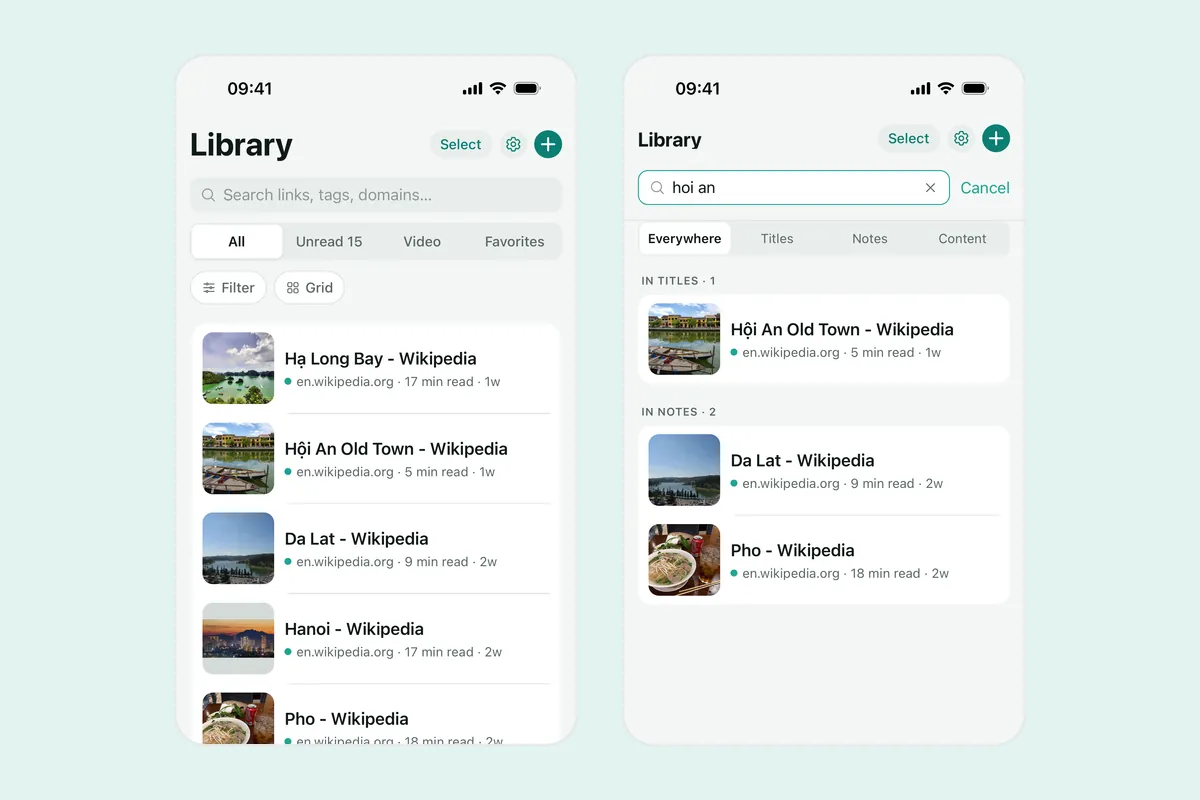
- 1Open Linkeeper and find the link in the Library.
- 2Touch and hold the link to open its menu.
- 3Tap Copy as…, then tap Markdown link. A short message confirms the copy.
- 4Open your notes app, touch and hold where you want it, and tap Paste.
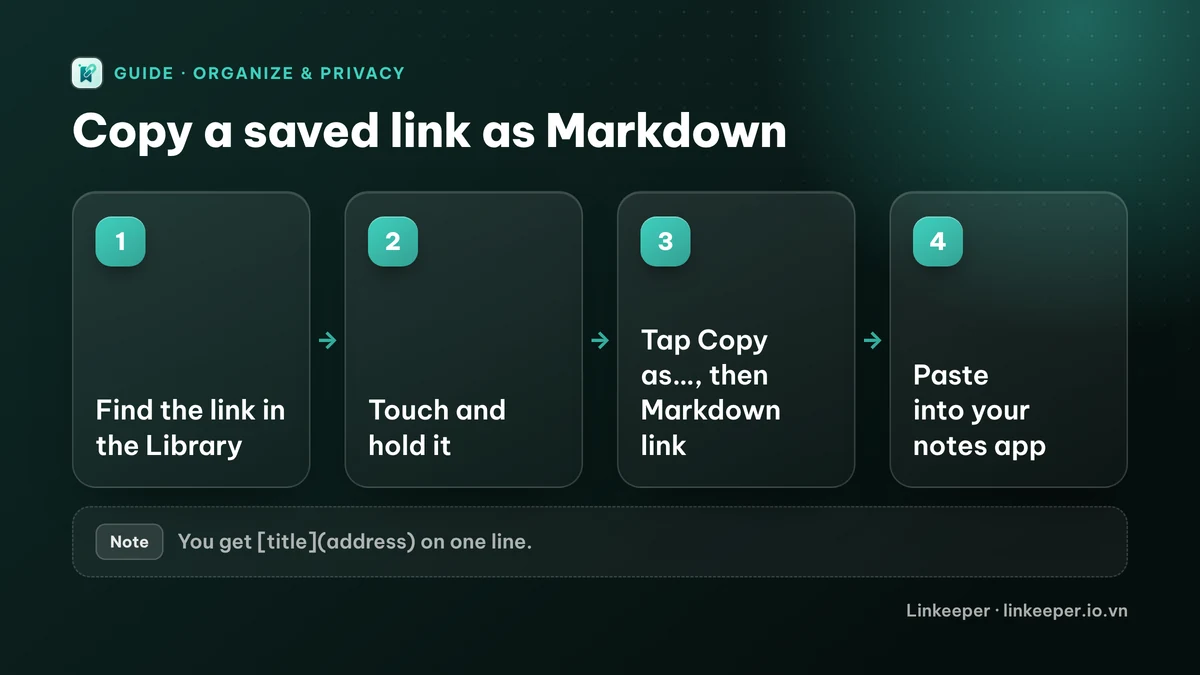
The same Copy as… menu is on the link’s details page. Besides Markdown link it offers Title and link (the title on one line, the address on the next) and, when the link has a note, Link with my note (see how to add a note to a saved link).
What does the copied text look like?
- The label is the saved title. If there is no title, Linkeeper uses the site name, and if there is neither, the address itself.
- Square brackets and backslashes inside the title are escaped with a backslash, so a title like “Notes [draft]” does not break the link.
- Spaces and round brackets inside the address are replaced with %20, %28 and %29, so the link ends where it should.
- The copy is one line. Newlines and extra spaces in a title are flattened.
What are the limits?
- It works only for links saved in Linkeeper. For a page you have not saved, save it first or type the Markdown by hand.
- The title is whatever Linkeeper fetched when it saved the page. If it only shows a web address, see why a saved link shows no title.
- Whether the pasted text turns into a clickable link depends on the receiving app. If you see the raw title, that app is showing plain text, which is still a working Markdown link in any Markdown editor.
- Copying many links at once is not offered here. To pass a whole list around, see how to share a list of links.
Frequently asked questions
- How do I copy a link as Markdown on iPhone?
- Safari cannot do it. Type title by hand, or save the link in an app that can copy it as Markdown. In Linkeeper, touch and hold the link, tap Copy as…, then tap Markdown link.
- What is the Markdown format for a link?
- Page title: the title in square brackets, immediately followed by the address in round brackets.
- What if the saved link has no title?
- Linkeeper uses the site name as the label, and the address itself if there is no site name either.
- Does Linkeeper copy the link with my note too?
- Yes, with Copy as… then Link with my note. That option appears only when the link has a note.
- Can I copy a link as Markdown if I have not saved it?
- Not in Linkeeper. Save the link first, or type the brackets by hand.